PCB Component Kitting: Quantity, Packaging & Handoff Checklist
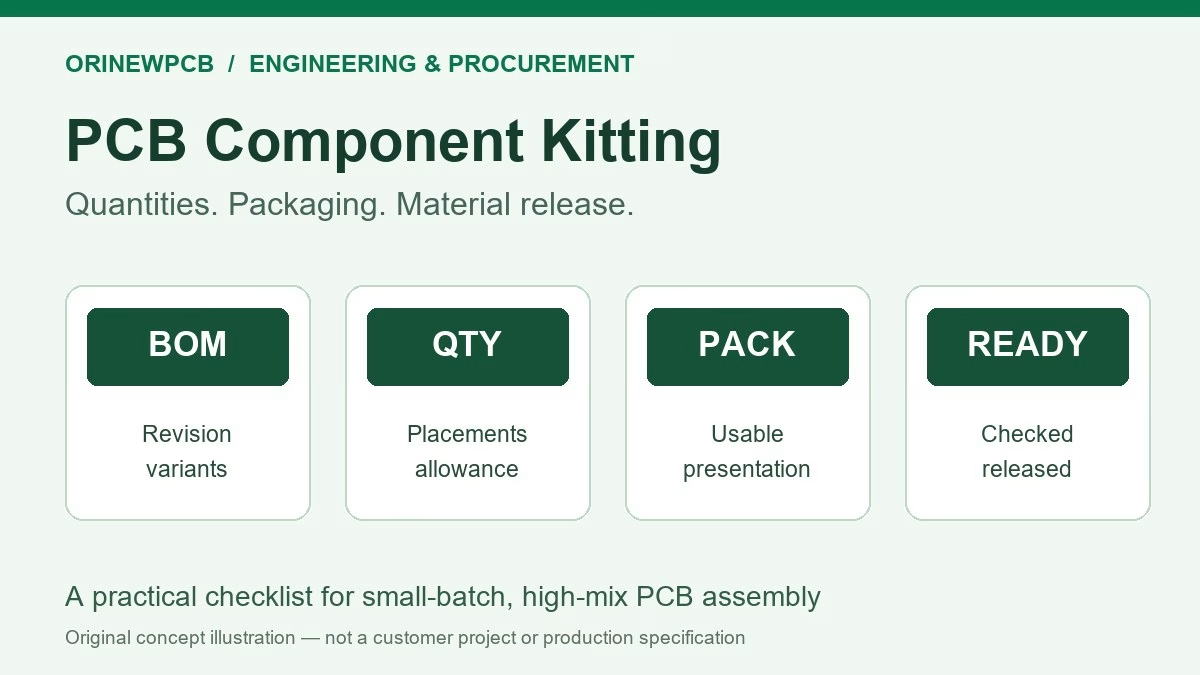
Table of Content
- 1. What belongs in a PCB assembly kit?
- 2. Tie the kit to one revision and variant plan
- 3. Calculate quantities by populated position, then agree allowances
- 4. Confirm the packaging can reach the assembly line
- 5. Reconcile receipt, shortages and production release
- 6. Use one kit review to plan a full turnkey build
- 7. Send a kit-ready RFQ package
- 8. PCB component kitting FAQ
PCB component kitting means preparing a verified set of parts for a specific assembly build. A useful kit links each component to the released BOM, required quantity, usable packaging, source records and production variant. It also identifies shortages and the person authorized to resolve them before the material is released to the line.
How do you prepare a PCB assembly kit? Start with one approved board revision and BOM, calculate populated quantities for every variant, agree setup and handling allowances with the assembler, and reconcile the received material against a kit manifest. Keep packaging and identification intact. A purchase order marked “delivered” is not, by itself, confirmation that the right parts are ready for assembly.
Planning a small or medium batch? Request a turnkey PCBA and BOM review with your board files, BOM, quantities and any components you intend to supply.
1. What belongs in a PCB assembly kit?
A kit can include SMT and through-hole components, connectors and other BOM items needed at the agreed assembly stages. It should have a material list that can be checked against the actual packages. If bare PCBs, mechanical parts, labels or cables are managed separately, identify those dependencies rather than silently treating the component kit as the complete product.
Kitting is an activity within the manufacturing workflow. In a full turnkey project, the assembly partner can purchase and organize the agreed materials. In a customer-supplied build, the customer prepares the supplied material package. A partial turnkey order divides sourcing responsibility by BOM line. Our partial turnkey PCBA guide discusses that purchasing decision; this checklist focuses on making the resulting material package ready for a particular build.
2. Tie the kit to one revision and variant plan
Give the kit a build identifier, board revision and BOM revision. Use the same identifiers in the purchase instructions, packing list and assembly documentation. A board revision alone is insufficient if the BOM or population variant can change independently.
At minimum, connect the following information. Keep the actual files together in a controlled release package rather than relying on several uncoordinated email attachments.
| Item | Record or attach | Question it answers |
|---|---|---|
| Build identity | Project, board revision, BOM revision and build identifier. | Which released configuration does this material belong to? |
| Part identity | Manufacturer, complete manufacturer part number and reference designators. | Is this the approved device, package and ordering option? |
| Population plan | Quantity per assembly, finished quantity per variant and explicit DNP positions. | Which locations are populated in this build? |
| Material ownership | Who purchases each line, what is customer supplied and what stock is allocated. | Who must resolve a shortage or source question? |
| Physical supply | Received count, reel or strip count, packaging type and condition. | What is physically available in a usable form? |
| Identification records | Supplier labels, source documents and lot/date information where required. | Can each package be reconciled to the approved line and agreed traceability scope? |
| Exceptions | Missing parts, proposed alternatives, packaging issues and approval owner. | Which items are holding the kit, and who can release them? |
On a phone, swipe within the table. Keyboard users can focus its frame and use the arrow keys.
Keep alternatives separate from approved material. A similar value or footprint does not authorize a replacement. Record design-owner approval and update the controlled BOM before using an alternative. The approved manufacturer list checklist explains that approval boundary.
3. Calculate quantities by populated position, then agree allowances
For each exact part number, add the required placements across the variants being built:
Build quantity for one part = sum of (assemblies in each variant × populated quantity of that part per assembly).
Planned material quantity = build quantity + agreed setup and handling allowance.
Additional purchase need = planned material quantity − usable stock already allocated to this build, with a minimum of zero. Then check supplier pack quantities and order increments.
The allowance belongs to the actual part, packaging and process. Ask the assembler to confirm it before ordering. Do not apply an unexplained percentage to every BOM line. An expensive IC and a frequently placed small passive can need different material-planning decisions. Blank leader tape is a packaging requirement, not a count of additional electronic components.
A worked quantity example
Suppose a fictional build contains 50 assemblies, each using eight of one resistor MPN. The placement requirement is 400 resistors. If the project team agrees a 20-piece allowance and has 120 usable pieces allocated to this build, the planned total is 420 and the additional purchase need is 300, before any supplier order-increment adjustment.
The 20-piece allowance is an illustration, not an OrinewPCB policy or a recommended standard rate. Confirm the real requirement against the proposed assembly process. Stock that is reserved for another order, unverified or still in transit is not the same as released stock available at the line.
| Illustrative BOM line | Variant A: 30 boards | Variant B: 20 boards | Placement need |
|---|---|---|---|
| Common resistor MPN | 4 per board | 4 per board | 200 pieces |
| Optional connector MPN | 1 per board | DNP: 0 per board | 30 pieces |
| Variant-specific IC MPN | DNP: 0 per board | 1 per board | 20 pieces |
Fictional planning example. Counts exclude setup allowances, inspection samples and supplier pack rounding; agree those separately. DNP means do not populate.
Count by complete MPN and approved configuration, not by a short description such as “10 kΩ resistor.” Keep electrically different parts or packaging options on separate controlled lines where necessary. For repeat builds, reconcile unused material before carrying its quantity into a new kit.
4. Confirm the packaging can reach the assembly line
Packaging affects how a component can be handled and presented to placement equipment. A reel, several short tape strips, a tube and a tray are not automatically interchangeable inputs. Tell the assembler what will actually arrive, including the number and length of cut-tape strips when relevant.
Tape-and-reel packaging holds components in carrier pockets under cover tape for automated handling. The pocket arrangement and component orientation are part of the packaging information. Check the exact device’s packing drawing and the assembler’s feeder requirements. Avoid assuming that all parts with the same package name use identical presentation.
- Full or partial reels: retain the label and confirm actual quantity, tape condition and any preparation needed for the intended feeder.
- Cut tape: report strip count and available identification. Ask about minimum usable strip length, leader/trailer preparation and handling before purchasing. Avoid opening protected packages merely to create a photograph.
- Tubes and trays: keep parts protected and identified; confirm compatibility with the planned handling method. Do not send loose mixed components as a substitute for an agreed packaging format.
- Ordering suffixes: preserve the full approved manufacturer ordering code. Confirm what the suffix means for that manufacturer and device rather than deleting it from the BOM.
Keep ESD protection and moisture records with the material
Use packaging appropriate to the component’s ESD sensitivity and handling environment. A moisture barrier bag and an ESD protection requirement describe different aspects of material control; confirm both where applicable. Unpack and handle sensitive parts within the agreed ESD control procedure.
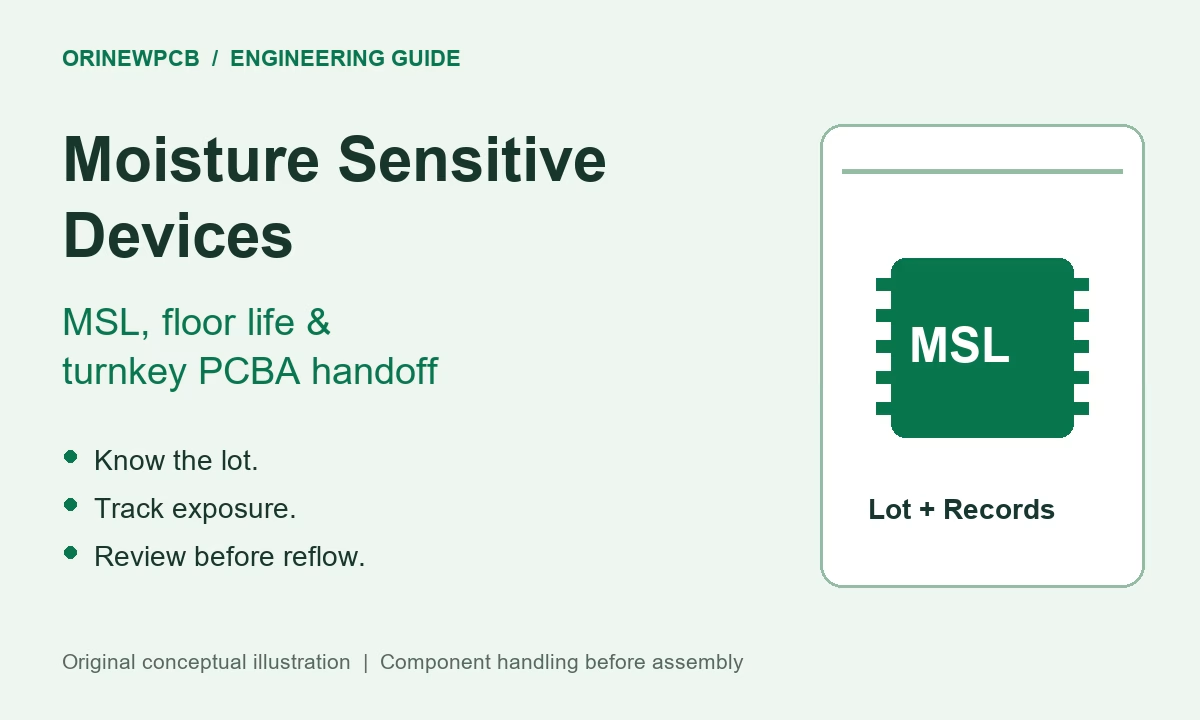
For moisture-sensitive devices, retain the applicable label and available dry-pack and exposure records. A recently resealed bag does not establish an unused floor-life allowance. Have the responsible process engineer decide what handling or drying is appropriate for the actual device, package and exposure history. See our MSL and floor-life handoff guide for that separate decision.
5. Reconcile receipt, shortages and production release
Separate four statuses in the material tracker: ordered, received, checked and released. A shipment notice proves neither a usable quantity nor approval to assemble an alternative. Give every exception an owner and a written disposition.
- Match each package to the manifest. Reconcile the manufacturer MPN, label, count and BOM references. Record differences without silently editing the released design.
- Check the packaging and handling information. Flag damaged tape, unidentified strips, compromised protective packaging or missing history requiring review.
- Identify the exact shortage. State the required quantity, accepted available quantity, missing quantity and purchasing responsibility. Link it to the affected board or variant.
- Agree the disposition. Options can include replenishment, an approved alternative or a separately authorized split build. Reassess setup, tests and delivery consequences before accepting the change.
- Release the defined scope. Record which configurations and quantities are ready. Do not convert a temporary assembly omission into a new DNP instruction without design-owner approval.
For split deliveries, agree what constitutes a complete, accepted assembly and what must happen to work in progress. A partially populated board may need additional handling, tracking and verification; it is not automatically the fastest or least expensive recovery plan.
After the build, reconcile unused, consumed and rejected material against the agreed reporting scope. Define whether remaining customer-owned stock is returned or held for a future order, including its identification, packaging and any required handling records.
6. Use one kit review to plan a full turnkey build
For a small-batch, high-mix project, buying each line independently can leave engineering to coordinate packaging, shortages and several arrival dates. A turnkey review lets the PCB, sourcing, assembly and verification requirements be discussed together. It does not eliminate the need for approved files and a clear material-release decision.
OrinewPCB provides PCB manufacturing, component procurement and one-stop PCB assembly, with particular focus on small and medium batches and high-mix work. We supply and use 100% new, original genuine electronic components in our component sourcing and turnkey PCBA work. Identify customer-supplied material separately so its records and acceptance requirements can be reviewed.
Our cooperation with component manufacturers and distributors supports project-specific sourcing options and competitive quotations. Exact availability, packaging, price and delivery must be confirmed for the released BOM and required quantity. Ask for a quote that identifies material exceptions rather than assuming that every listed part is immediately available.
Discuss the complete scope through our turnkey PCB assembly service or low-volume, high-mix assembly service. The brand’s OrinewPCB assembly overview provides further service context.
7. Send a kit-ready RFQ package
Request a Turnkey PCBA & BOM Review
Send your current files and tell us what you want delivered: bare PCBs, components, or tested assemblies within an agreed scope. For a full turnkey order, ask us to review the BOM and packaging needs before material is purchased.
- Board files and revision, plus assembly and placement information.
- BOM with complete MPNs, reference designators, DNPs and approved alternatives.
- Finished quantity per variant and any pilot or staged delivery requirement.
- Customer-supplied stock, actual counts, packaging and available identification records.
- Programming, inspection and test requirements, with the required delivery date and destination.
Suggested inquiry: “Please review a full turnkey build for [board/revision], [quantities per variant]. Our BOM is [revision]. We plan to supply [listed parts, counts and packaging], and need you to source the remaining approved lines. Please confirm the kit requirements, shortages, assembly/test scope and delivery proposal.”
Request a Turnkey PCBA & BOM Review
For component-only inquiries, include exact MPNs, quantities and packaging requirements through our electronic component sourcing directory.
8. PCB component kitting FAQ
Is component kitting the same as turnkey PCB assembly?
No. Kitting prepares and verifies material for a defined build. Turnkey PCB assembly is a wider agreed service scope that can include PCB production, component procurement, assembly and specified verification. A kit can also be prepared for a customer-supplied or partial turnkey order.
How many spare components should I provide?
Calculate the populated quantity first, then obtain the assembler’s allowance for the exact MPN, packaging and process. There is no useful universal percentage for every BOM line. Confirm any sample quantities and purchasing increments separately.
Can I send cut-tape components for a small batch?
Ask the assembler before shipping or buying. Provide the exact MPN, total quantity, strip count, packaging condition and available labels. Feeder preparation, usable strip length and handling requirements depend on the intended assembly route.
Can different products share the same stock?
They can share an approved inventory source, but the quantity allocated to each build must be controlled. Do not count the same physical stock as available for two simultaneous orders. Keep variants, revisions and material identification clear.
Does an original supplier label prove every part is genuine?
A label is useful identification evidence, but it is not a complete authenticity determination by itself. Agree the sourcing and incoming-verification requirements for the project, and keep the available source records connected to the material.
Can assembly start while a few components are missing?
Only within a deliberately agreed build plan. Identify affected locations and variants, handling and test implications, and the owner who approves any partial population. A shortage is not automatic permission to omit or substitute a part.
What should happen to unused customer-supplied components?
Agree return or retained-stock arrangements before production. Reconcile remaining quantities and retain the identification, protective packaging and relevant handling information needed for the next use.
Related Posts
ORINEWPCB · PROJECT SUPPORT
Contact Us
Discuss your PCB assembly project with our team.
FREE QUOTE
Plan your turnkey PCBA build.
Share your quantity and requirements. Add Gerber files and a BOM when ready.
Files are optional for an initial discussion. Include any assembly, sourcing or testing requirements in your message.