PCB Assembly ECO: BOM Revision & Change-Control Checklist
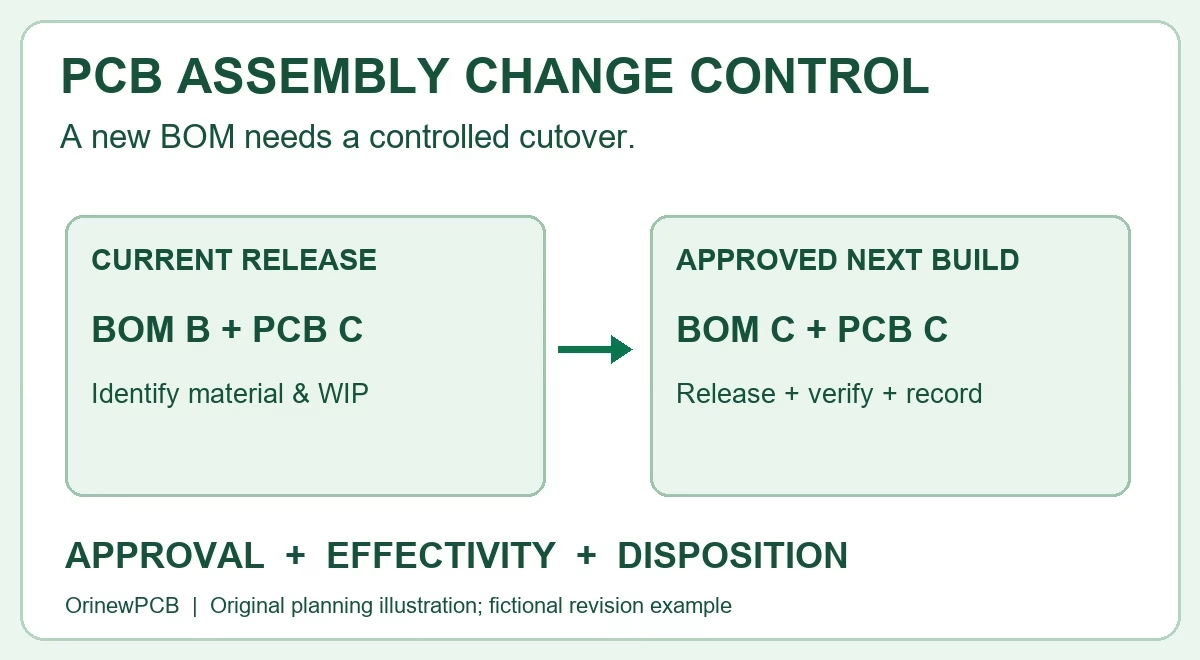
Table of Content
HIGH-MIX PCB ASSEMBLY · ENGINEERING & PROCUREMENT
Quick answer: To change a PCB or BOM after a turnkey assembly order has started, issue a controlled engineering change order (ECO) that identifies the old and new configurations, the affected orders and material, the approved disposition of existing work, and the exact point at which the new revision takes effect. Release matching production files and obtain supplier acknowledgment before the affected work resumes. A replacement BOM attachment alone does not answer those questions.
A connector changes, a component becomes unavailable, or a prototype reveals a circuit improvement. The engineering edit may be small, but purchasing, bare boards, assembly programs, firmware, fixtures and labels can all be at different stages. This guide explains how to control that revision cutover without leaving the assembly supplier to guess which configuration to build.
Use the ECO checklist, disposition table and illustrative example below for small-to-medium, high-mix PCBA orders. If a current order needs a revision review, send the released package, proposed change and affected quantities for a turnkey PCB assembly and BOM review.
1. What an ECO must do for a PCB assembly order
An engineering change order is a controlled authorization to change a released product configuration and implement the change under defined conditions. Organizations may use different names or approval workflows. The important questions are what changes, why it changes, who approves it, which units are affected, and how implementation is verified.
A request to investigate a change is not the same as authorization to build it. An engineering change notice can communicate an approved change, but its name alone does not establish the required approval. Agree the customer’s and supplier’s authority, release states and acknowledgment process.
A CAD ECO is only one part of the handoff. Design tools can generate an ECO to synchronize schematic and PCB differences. That does not by itself update the supplier’s purchased material, work orders, manufacturing outputs, firmware or inspection instructions. Treat the production release as a separate, reviewed handoff.
The objective is a known as-built configuration: which approved PCB revision, assembly/BOM variant, firmware and controlled instructions were used for the units being shipped. A revision letter without those relationships is incomplete.
2. First contain the affected work and identify the baseline
Before sending replacement files, ask the supplier for the status of the affected orders. Identify the part number, current released revision and proposed revision. Then establish what has already been bought, fabricated, kitted, assembled, programmed, tested or shipped. The response should use actual quantities and locations, not an assumption that the whole order is at the same stage.
- Define a targeted hold. State which orders, variants, materials or operations must stop pending a decision. Do not assume an email automatically stopped purchasing or production.
- Preserve the old release. Keep the exact files and approvals used for work already performed. Do not overwrite the only record of an earlier build.
- Identify current commitments. Ask about supplier orders, noncancelable items, fabricated boards, tooling and scheduled operations relevant to the change.
- Separate affected and unaffected work. If another variant can continue, document that boundary and the basis for the decision.
- Assign an owner and response point. Engineering, purchasing, quality and production need a clear route for resolving open decisions.
If units have already shipped, include their identities and destination in the impact assessment. Product engineering and the responsible quality team should decide any field action; a new production revision does not automatically resolve the status of delivered units.
3. Release one matched configuration, not a mixture of files
BOM revision control is the discipline of identifying, approving and retaining the correct bill of materials for a configuration. For PCBA, it must stay aligned with the rest of the manufacturing package. A fitted resistor value, an optional connector and a firmware setting can distinguish assemblies made on the same bare PCB.
| Controlled item | Check before release | Evidence to retain |
|---|---|---|
| Assembly identity | Assembly number, revision, variant and required shipped state. Distinguish the assembly revision from the bare-PCB revision. | Approved change record and configuration manifest. |
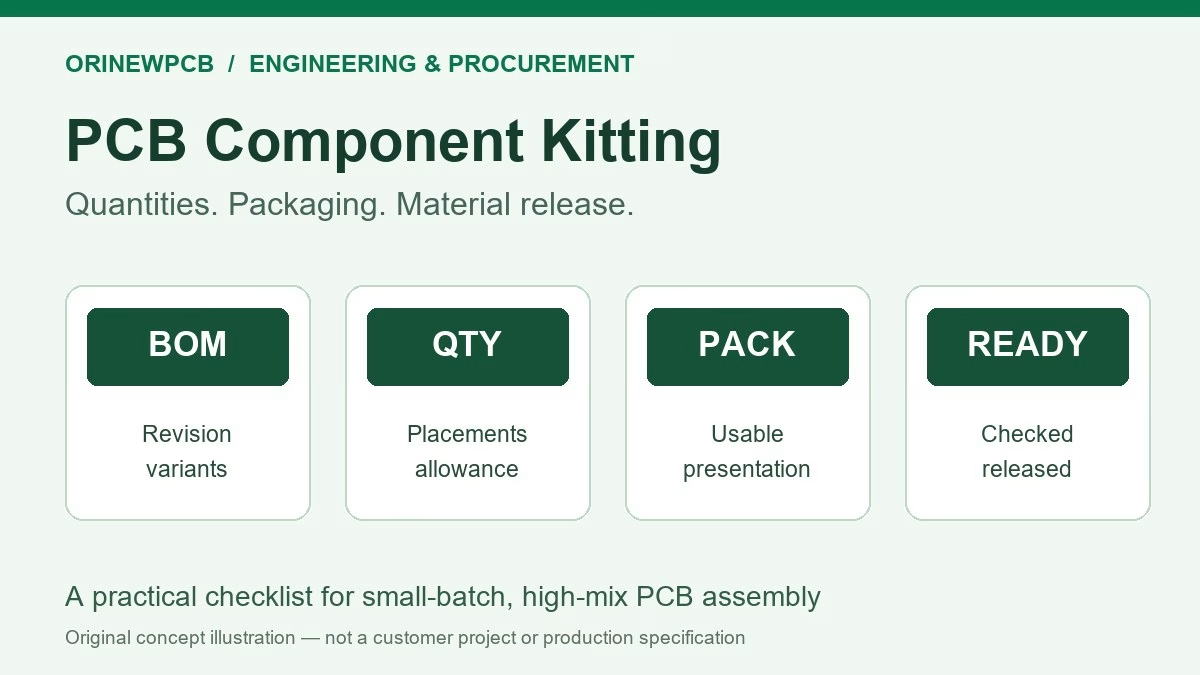
| BOM and approved parts | Manufacturer, exact MPN, quantity, reference designators, DNP/fitted state and allowed alternatives for each affected line. | Released BOM and an old-to-new comparison. |
| Bare-PCB outputs | Whether copper, drilling, stackup, finish, marking or other fabrication requirements changed. | Released fabrication package and its revision identity. |
| Assembly outputs | Placement data, footprint/orientation, assembly drawing, special operations and variant instructions. | Matched assembly release and supplier setup review. |
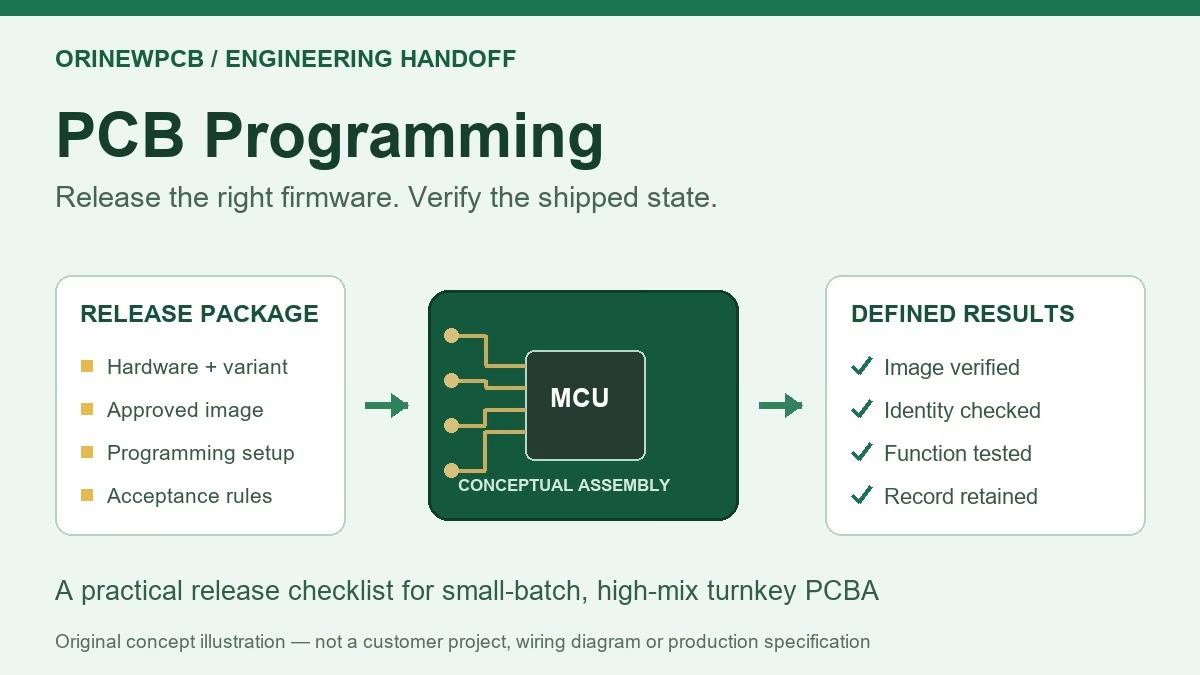
| Programming and test | Approved firmware/configuration, programming method, test applicability, limits and fixture impact. | Released programming/test identities and change verification results. |
| Marking and shipment | Unit/batch identification, labels, packing and how mixed revisions will be separated if permitted. | As-built records and agreed shipment documentation. |
Provide a release manifest listing each file or controlled document and its revision. Revision labels need not all use the same letter; their approved relationship must be unambiguous. A checksum can help identify the exact file, but it does not replace engineering approval or prove technical correctness.
For detailed file preparation, use the PCB assembly drawing guide. For substitution authority, link the change to the approved manufacturer list and BOM alternatives rather than relying on a general “equivalent parts allowed” note.
4. Define effectivity: exactly where the change starts
Effectivity specifies the assemblies or production boundary to which an approved change applies. Depending on the project’s identification system, that can be a work order, lot, serial-number range or another explicit boundary. “Use the latest BOM from Monday” can be ambiguous when multiple orders, time zones and material stages are involved.
Define the last accepted old configuration and the first authorized new configuration. Include variant applicability and any exclusions. If serial numbers are assigned later in production, agree a usable work-order or lot boundary first and retain the relationship to final unit identifiers.
Keep the commercial and technical decisions connected. Approval of a revised unit price does not automatically authorize a design change. Likewise, engineering acceptance does not automatically resolve cancellation charges, extra material, rework costs or the new delivery plan. Confirm both before implementation.
5. Decide what happens to existing material and WIP
Work in process (WIP) includes units that have started manufacturing but have not completed the released process. A change may affect bare boards, loose components and partly assembled units differently. Record a separate disposition for each affected state.
| Current state | Decision to authorize | Check before proceeding |
|---|---|---|
| Components on order or in stock | Use for the old build, retain for another approved use, return/cancel where possible, or otherwise segregate. | Exact MPN, ownership, commitments, quantity and traceability. |
| Fabricated bare boards | Use only if approved for the target assembly, retain for the old configuration, or apply an approved alternative disposition. | Layout/footprint compatibility and any electrical or marking impact. |
| Kitted or partly assembled units | Finish the old configuration, re-kit/rework under approved instructions, or hold. | Physical segregation, component removals/additions, setup changes and acceptance. |
| Completed or tested PCBA | Accept as the old revision, rework and reverify where authorized, or hold pending review. | Firmware, labels, test coverage and retained old/new configuration records. |
| Shipped units | Escalate for product/quality impact review and an approved field decision when required. | Which delivered units are affected and who owns customer communication. |
“Use as is” and “rework” are decisions requiring the appropriate authority; neither should be inferred from a supplier’s available stock. Rework instructions should identify the permitted operation, acceptance checks, marking and records. Rework feasibility and the necessary verification depend on the actual design and condition.
6. Example: a BOM-only change in a high-mix order
Illustrative scenario, not a customer case: an assembly uses bare PCB revision C and fitted BOM revision B. Engineering proposes BOM revision C for one variant. Some units are already assembled, some are kitted and the remainder have not started. The bare-PCB artwork is believed unchanged, but that still needs review.
- Identify the delta. List affected reference designators, old/new exact MPNs, fit state and the reason for change. Review package, pinout, electrical behavior and any firmware or test implications.
- Review the whole package. Confirm whether PCB files, placement, drawings, programming or tests need updates. “BOM-only” is a conclusion from the review, not an instruction to ignore those items.
- Set a usable cut-in. For example, authorize the new configuration on a named new work order, with the affected variant explicit. Record what happens to the partly completed old work order.
- Authorize disposition. Segregate the existing kit until the approved decision is recorded. Do not silently combine old and new components in a batch.
- Release and acknowledge. Issue the approved package and obtain confirmation that purchasing, setup, inspection and test use the intended release.
- Verify and close. Check the first affected build against the change, retain the results and confirm the shipment identification.
A useful effectivity statement is: “Assembly A100, variant X: BOM C is authorized for work order WO-NEW only, using PCB C and the documents listed in release R2. WO-OLD remains on hold pending disposition D1. No revision mixing is authorized.” These identifiers are fictional; use your own controlled records and actual approvals.
7. Treat component PCNs and alternatives as review inputs
A semiconductor manufacturer’s product change notification (PCN) can describe a manufacturing or product change, affected part numbers, qualification information and implementation timing. It is an input to your impact assessment. It does not automatically authorize a different MPN in your assembly.
Similarly, a supplier’s available alternative is not approved just because its package or headline specification looks similar. Product engineering should review the relevant functional, electrical, mechanical, thermal, firmware and test implications. Record whether the approval is permanent for the released BOM, limited to a particular order, or still pending.
Genuine sourcing and technical suitability answer different questions. OrinewPCB’s policy is to supply and assemble with 100% new, original and genuine electronic components. The approved configuration still needs to define which genuine part is acceptable for your product. For a sourcing-only request, include the exact MPN and approval constraints through our electronic components catalog and inquiry route.
8. Verify implementation before closing the change
Closure should show that the approved change reached the affected units and documents. The depth of verification should match the change’s impact; changing a label is not the same technical exercise as changing a power-stage component.
- Confirm the intended material and fitted variant against the released BOM.
- Verify affected placement/orientation, work instructions and manufacturing setup.
- Confirm firmware, configuration and test-plan identities where affected.
- Perform the approved inspection, electrical or functional checks and retain the required evidence.
- Record any deviations and their authorization rather than hiding them in an email thread.
- Reconcile held material, WIP, labels and shipment records with the approved disposition.
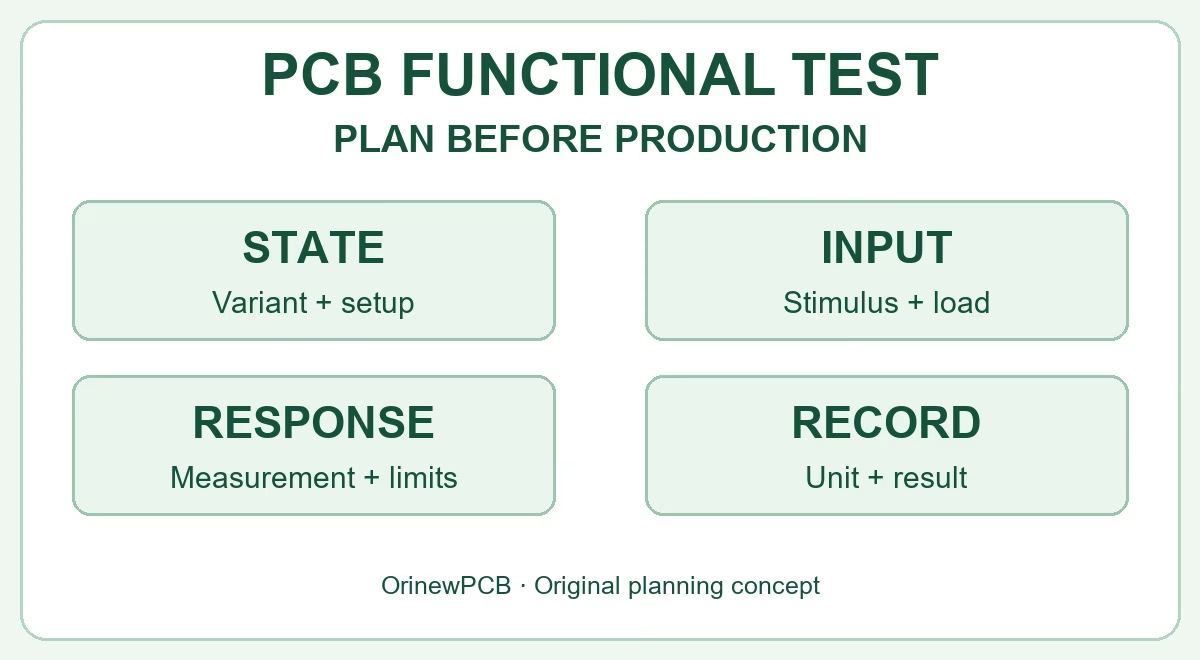
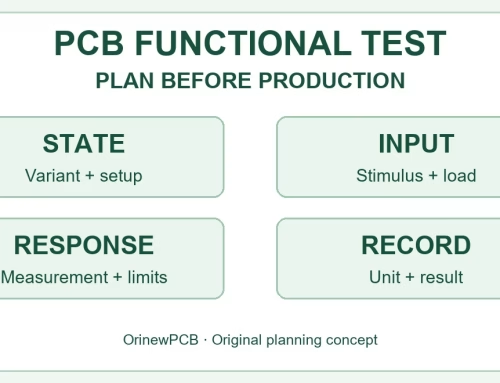
A functional PASS result alone does not establish that the correct MPNs, markings or document revisions were used. Conversely, a correctly labeled revision does not prove its required functions passed. Use the PCB functional test plan checklist to define the test evidence separately from configuration identity.
9. What to send for a turnkey PCBA change review
A clear change package helps your supplier review the actual scope, material impact and delivery implications. Send:
- Current assembly/PCB identities, variants and the approved baseline package.
- Proposed new package, ECO identifier and an explicit old-to-new change list.
- Affected order numbers and quantities, known material/WIP status and requested hold scope.
- Proposed cut-in boundary and disposition requests for existing material and assemblies.
- Component sourcing restrictions, approved alternatives and any PCN or availability issue driving the change.
- Programming, inspection, test, traceability and shipment identification requirements.
- Required delivery date, destination, approval owners and unresolved engineering decisions.
OrinewPCB provides one-stop PCB assembly, combining PCB production, component sourcing and assembly, with particular strengths in small-to-medium, high-mix builds. Our relationships with component manufacturers and distributors support project-specific reviews of pricing and availability; the final cost and delivery plan depend on the released files, material commitments and agreed work.
Our nine-stage PCBA quality workflow supports discussion of your inspection and test requirements. Bare-PCB flying-probe testing and PCBA configuration/functional verification are separate scopes. Review the relevant requirements with us rather than assuming one check proves all of them. Learn more about the brand at OrinewPCB.
Planning a revised build or a new high-mix order?
Send your PCB files, BOM variants, quantities and proposed changes. Ask for a coordinated review of genuine component sourcing, assembly, test scope and the delivery plan before releasing the next build.
Request a Turnkey PCBA & BOM Review
For an existing order, identify it and any required hold directly with your project contact. A quote request alone does not confirm that production has stopped.
PCB assembly ECO and revision-control FAQ
Does every BOM change require a new bare-PCB revision?
Not necessarily. An assembly/BOM can change while the bare PCB remains unchanged. Review the design and manufacturing impact, then record the approved relationship between the PCB, assembly variant and other released documents. Follow your own controlled numbering and approval rules.
Can I approve a change by sending a replacement spreadsheet?
A spreadsheet can be part of the release, but it should not leave approval, effectivity or WIP disposition unclear. Identify the old/new revisions, the actual changes, affected orders, authorized cut-in and required acknowledgments.
What is the difference between an ECO and an ECN?
Many organizations use ECO for the authorization/implementation record and ECN for communicating the change. Terminology varies. Agree who can approve, which release state authorizes production and how the supplier confirms implementation.
Can old and new revisions ship together?
Only when the responsible parties have approved the arrangement and identification requirements. Specify which units belong to each configuration, how they are separated and which shipment records are required. Do not assume revisions are interchangeable.
Does a manufacturer’s PCN authorize a component substitution?
No. A PCN provides information for assessing a manufacturer change. A different MPN or assembly configuration still needs the approval required by your released BOM, sourcing agreement and product requirements.
Can a small batch use a simple ECO form?
Yes, the form can be simple if it clearly controls the change. Include the baseline and delta, approvals, affected work, disposition, effectivity, released package and implementation evidence. Scale the process to the risk and project requirements.
Related Posts
ORINEWPCB · PROJECT SUPPORT
Contact Us
Discuss your PCB assembly project with our team.
FREE QUOTE
Plan your turnkey PCBA build.
Share your quantity and requirements. Add Gerber files and a BOM when ready.
Files are optional for an initial discussion. Include any assembly, sourcing or testing requirements in your message.