PCB Fiducials: Size, Clearance & Placement Checklist

Table of Content
- 1. What does a PCB fiducial do?
- 2. Global, local and panel fiducials: which do you need?
- 3. Specify size and clearance without ambiguity
- 4. Check placement on both sides and through the process
- 5. A release checklist for prototype and high-mix PCBA
- 6. What if marks are missing or difficult to recognize?
- 7. Turn a layout question into a complete assembly review
- 8. PCB fiducial FAQ
PCB fiducials are optical reference marks that help assembly equipment locate a board or panel. Before releasing a turnkey PCBA order, confirm the copper target, solder mask opening, surrounding clear area, number and location of marks, and which side or process stage uses each one. A clear, repeatable target matters more than copying an unexplained dimension from another design.
What fiducial size and placement should you use? A 1.0 mm circular copper target with a 2.0–3.0 mm solder mask opening is a common starting example, not a universal production rule. The assembler must approve the actual geometry and handling clearance. Keep the copper diameter, opening diameter and radial clearance separate in your drawing.
Preparing a prototype or a small-batch build? Request a PCB and turnkey assembly review with your released board files, BOM, quantities and assembly requirements. Include any fiducial or panel questions before the manufacturing data is frozen.
1. What does a PCB fiducial do?
A fiducial gives a machine-vision system a defined feature to recognize. It supports alignment for operations such as solder paste printing, component placement and optical inspection. The mark is not a test point, tooling hole or traceability code: those features serve different purposes.
For a conventional copper fiducial, use a solid target without a drilled hole, an unobstructed solder mask opening and a surface condition the assembler can recognize consistently. Do not add a paste aperture that intentionally deposits solder on the target. Include the mark in the released copper and mask data, rather than drawing only a silkscreen circle.
Good fiducials support registration; they do not prove that the BOM is correct, that every solder joint is acceptable or that the product works. Keep alignment, inspection and functional-test requirements as separate items in your build release.
2. Global, local and panel fiducials: which do you need?
| Reference | What it identifies | What to confirm |
|---|---|---|
| Global board fiducials | The position and orientation of an individual PCB. | The approved pattern on each processed side, visibility and relationship to the board coordinate system. |
| Local fiducials | A reference near a component or critical region. | Whether the equipment and placement tolerance require them; coordinate the space with the package and layout. |
| Panel fiducials | The assembly array, often using marks on its handling rails. | Rail layout, clamping clearance and whether the marks remain available at every operation that needs them. |
| Stencil fiducials | The stencil alignment reference used during printing. | The stencil supplier’s marking method and correspondence to the approved PCB or panel data. |
Three widely spaced, non-collinear global marks are a common layout approach. A non-ambiguous arrangement helps distinguish orientation. However, “three is always the minimum” is too broad: two distinct reference points can define translation and rotation, while the equipment’s recognition and verification strategy determines the production requirement. Have the process owner approve the pattern.
Local marks are also a project decision. Do not impose one component-pitch threshold on every assembly line, and do not remove local marks from a dense design merely because the machine is modern. Ask for a review of the actual package, board size, alignment strategy and available space.
3. Specify size and clearance without ambiguity
Label the exposed copper diameter and the overall mask-opening diameter independently. The opening is not the same measurement as the clearance from the copper edge. A note such as “1 mm clearance” is incomplete unless the drawing identifies the reference and whether the value is radial or diametral.
Worked geometry example: a 1.0 mm copper circle inside a concentric 2.0 mm mask opening leaves (2.0 − 1.0) ÷ 2 = 0.5 mm radial clearance. A 3.0 mm opening around the same target leaves 1.0 mm radially. These are drawing examples, not approved OrinewPCB process limits.
Keep nearby silkscreen, exposed copper and other confusing features out of the agreed recognition area. Review surface finish and target condition with the assembler; do not describe a finished copper mark as universally “unplated.” Required tolerances, target spacing and edge offsets depend on the approved process. A generic online table is not evidence of compliance with a particular IPC edition or customer specification.
4. Check placement on both sides and through the process
- Identify the object being handled. Is it a single board, a panel or a board supported in a carrier? Show which references the machine is expected to use.
- Check the whole clear zone. A copper center that clears a clamp does not prove that its surrounding recognition area remains visible. Review rails, grips, component overhang and support features.
- Review each assembled side. Bottom-side processing needs usable references in that side’s data and setup. Do not assume a top-side screenshot is sufficient for a double-sided build.
- Check stage availability. If a rail is removed before a later operation, its mark is unavailable at that later stage. Decide whether a remaining board mark or another approved reference is required.
- Align the documents. Confirm units, origin, side naming and rotation convention across the board data, panel drawing and placement files. Identify discrepancies for review rather than silently moving the released design.
- Approve changes before fabrication. Record who may add rail marks or revise board marks, and return the approved files to the design owner.
For the wider array and separation decision, use our PCB panelization and assembly checklist. This fiducial review addresses optical references; panel strength, separation stress and test access still need their own review.
5. A release checklist for prototype and high-mix PCBA
For multiple models or frequent revisions, treat the fiducial decision as part of the controlled build package. A correct target on the wrong board revision can still create a setup problem. Make the handoff easy to review without relying on an engineer’s memory of an earlier email.
| Release item | Provide | Confirm before production |
|---|---|---|
| Design identity | Board number, PCB and assembly revisions, and variant list. | All supplied files refer to the same intended build. |
| Fabrication data | Released copper, mask, paste, outline and drill data as applicable. | Targets, openings and any intended paste exclusions are present in the correct outputs. |
| Board or panel format | Single-board files or an identified panel drawing; show processing sides. | Who proposes and approves the array, rails and optical references. |
| Placement package | Top/bottom placement data, origin, units, assembly drawing and DNP definitions. | The supplier resolves reference and orientation questions before machine setup. |
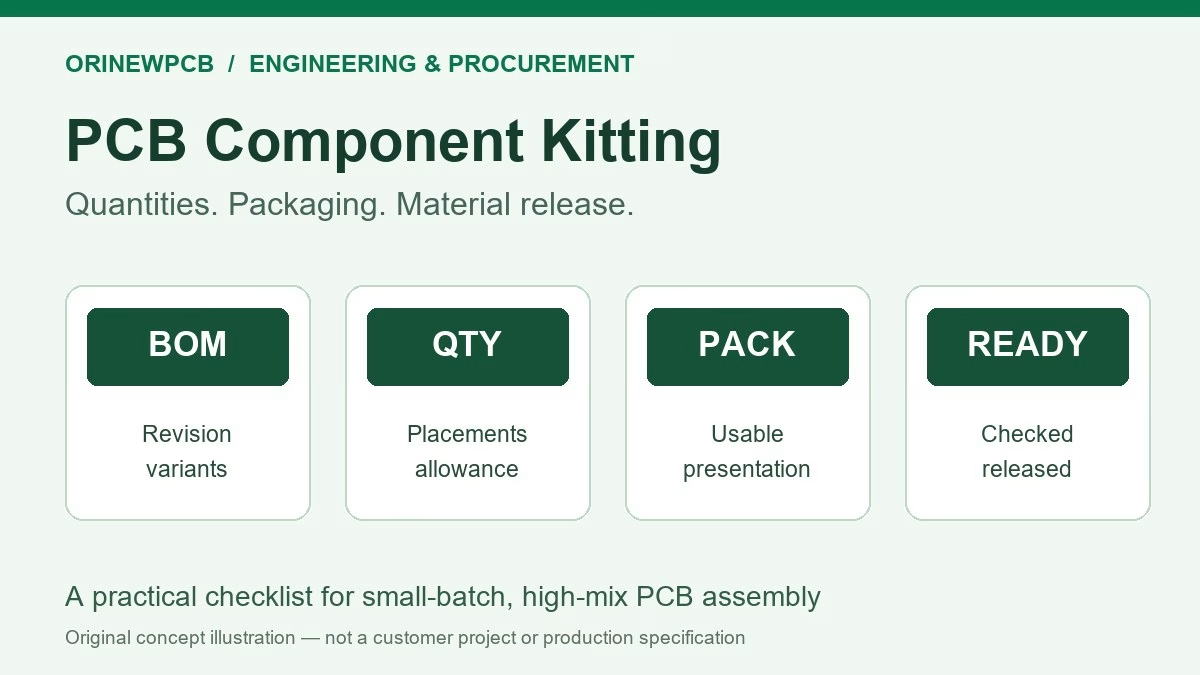
| Parts and variants | BOM with full manufacturer part numbers, approved alternatives and quantity per variant. | Sourcing responsibility, substitution approval and any package change affecting placement. |
| Acceptance and delivery | Inspection/test requirements, finished quantity per model, target date and shipping format. | The quote identifies the agreed checks, open decisions and material-dependent schedule. |
On a phone, swipe each table inside its own frame. Keyboard users can focus the table region and use the arrow keys.
Illustrative handoff: “Controller A, PCB Rev C, assembly variant C2, 80 units; Interface B, Rev A, 30 units. Files are single-board data. Please propose the assembly arrays, review top/bottom fiducials and return any required design changes for approval before fabrication.” This is a fictional planning example, not a customer case or a price estimate.
Use the assembly drawing guide for the wider documentation package. If an alternative component changes the footprint or body, review the placement data and nearby optical references before approving it.
6. What if marks are missing or difficult to recognize?
Pause the affected production decision and ask the assembler to review the actual design and process. Provide the released files and, if boards already exist, clear photos showing the target and its surroundings. A solution for a bare-board design change may differ from an approved workaround for an existing batch.
- Silkscreen-only target: identify whether a usable copper reference exists in the data.
- Mask covers part of the mark: compare the copper and mask outputs and investigate the manufactured condition.
- Paste or contamination on the target: review the paste data and handling/process condition.
- Rail mark blocked or removed: review clamping and the point in the process where the reference is needed.
- Mirrored or inconsistent setup information: reconcile the side, origin and rotation definitions before accepting a programming change.
Do not assume adding a dot to a PDF changes the fabrication data. Have the responsible engineer approve a traceable file revision or a documented batch-specific disposition.
7. Turn a layout question into a complete assembly review
One coordinated review for the PCB, BOM and assembly
OrinewPCB has provided PCB manufacturing, component sourcing and turnkey PCB assembly services since 2012, with a focus on small and medium batches and high-mix projects. Send your design and required quantities so we can review the build scope, material requirements and open engineering questions together.
For components we supply and use in turnkey PCBA, our policy is 100% brand-new, original genuine parts. Cooperation with manufacturers and distributors supports competitive sourcing options; exact availability, pricing and delivery are confirmed against your BOM. Identify customer-consigned material separately.
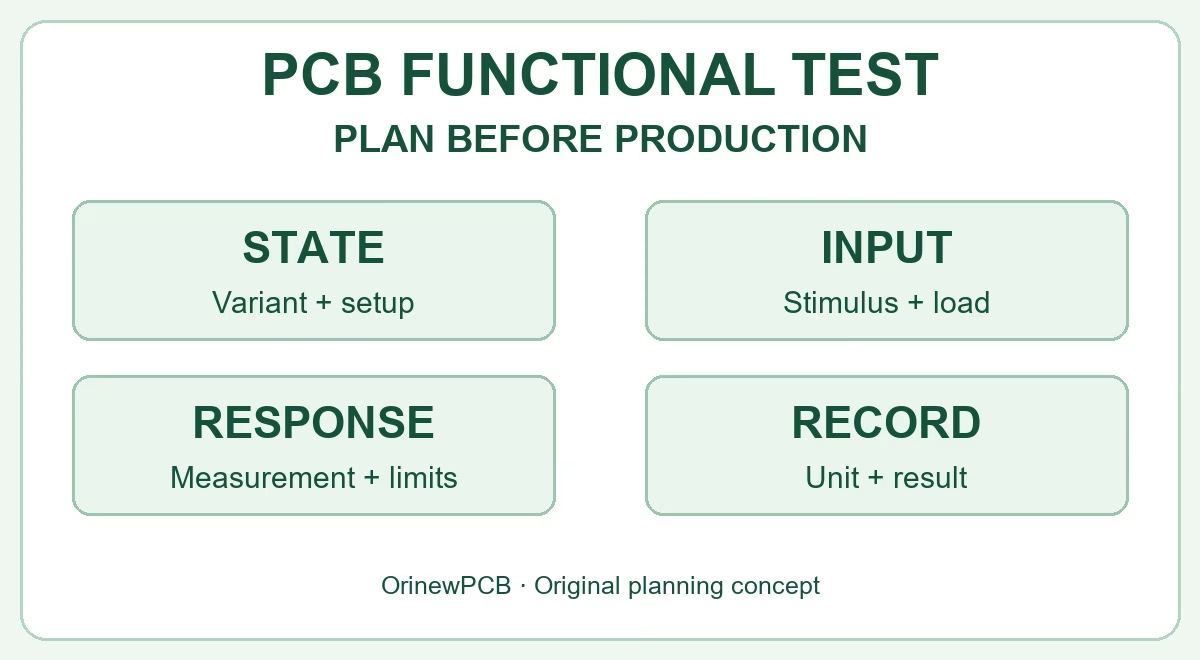
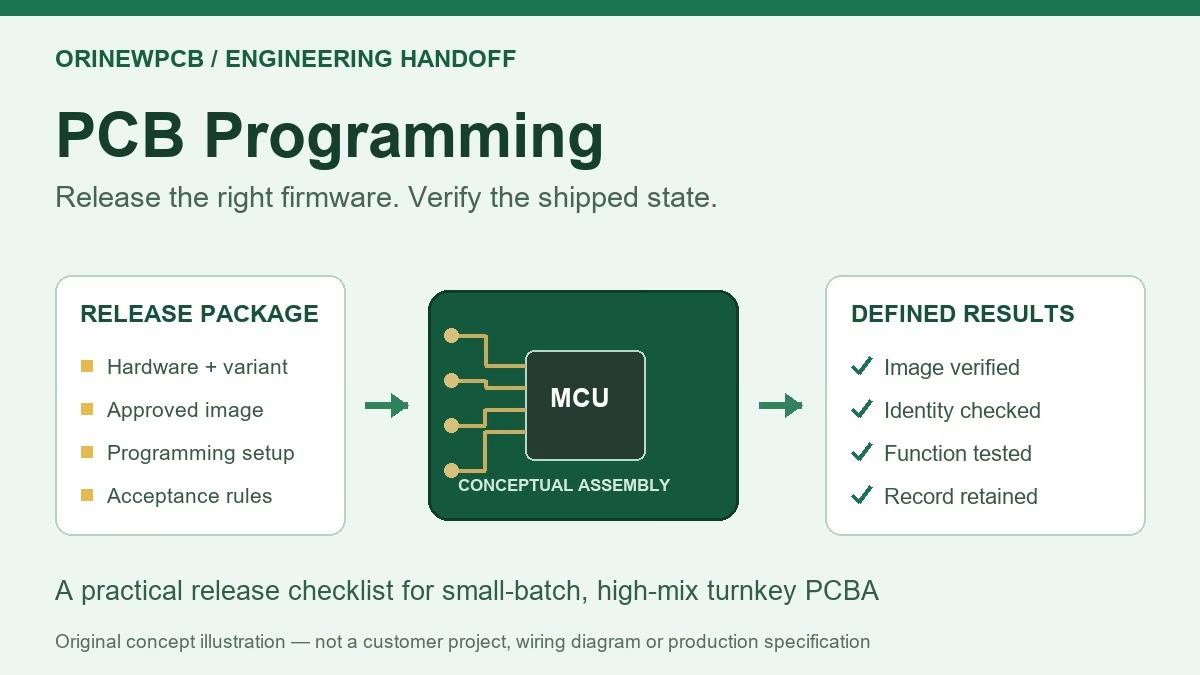
We electrically flying-probe test every bare PCB we manufacture. Our PCBA process uses nine quality-control stages; inspection coverage and any programming or functional testing are agreed for the project. A fiducial review supports assembly alignment and complements these checks.
For an actionable quote, provide the released board files, BOM, placement data, quantity per model, test requirements and target delivery date. Highlight missing fiducials or unapproved panel details in your message.
Request a Turnkey PCBA & BOM Review
Explore our low-volume, high-mix PCBA service or the brand’s OrinewPCB assembly services. For parts-only requirements, use our electronic component sourcing directory.
8. PCB fiducial FAQ
What is the difference between a fiducial and a tooling hole?
A conventional fiducial is an optical recognition target. A tooling hole provides a mechanical reference or locating feature for appropriate fixtures. Do not replace one with the other without the process owner’s approval.
Is 1 mm the required fiducial size for every PCB?
No. A 1.0 mm copper target is a common example, but the target, mask opening and clear zone must match the assembler’s requirements. State each dimension explicitly and obtain approval for the intended process.
Must every PCB have three global fiducials?
Three separated, non-collinear marks are a common approach, not a universal minimum for every machine and build. Confirm the actual recognition pattern, processed sides and panel strategy with the assembler.
Do all BGAs and QFNs need local fiducials?
Not automatically. Review the actual package, placement tolerance, board size and equipment strategy. Preserve approved local marks until the responsible engineer agrees they can be changed or omitted.
Can panel marks replace the marks on each board?
It depends on how the assembly is handled and which references each operation uses. Panel marks disappear when their rails are removed. Confirm references for later processing before deleting board-level marks.
Can I request a quote before the fiducial plan is finalized?
Yes. Send the current files, identify the unresolved fiducial or panel questions and request a review with the quote. Final manufacturing data and any design changes still require approval before production.
Related Posts
ORINEWPCB · PROJECT SUPPORT
Contact Us
Discuss your PCB assembly project with our team.
FREE QUOTE
Plan your turnkey PCBA build.
Share your quantity and requirements. Add Gerber files and a BOM when ready.
Files are optional for an initial discussion. Include any assembly, sourcing or testing requirements in your message.