PCB BOM List: Fields, Example & Assembly Handoff

Short answer: A PCB assembly BOM should identify each part that must be purchased and populated: its reference designator, quantity per board, description or value, manufacturer, exact orderable MPN, package, variant/DNP status, and any explicitly approved alternate. Keep placement coordinates in the pick-and-place/CPL file and assembly instructions in the drawing. Align all files to the same board revision before requesting a quote.
A clear BOM helps an engineer control the released design and helps procurement or a turnkey assembler quote the right parts. It does not, by itself, specify solder-paste volume, pad type, or every production-process setting. Those are controlled by the design data and manufacturing process documents agreed for the build.
For a full turnkey quote, send the BOM with your board revision, variant, quantity, PCB fabrication data, placement file, and test requirements. Request a Turnkey PCBA & BOM Review.

What should a PCB assembly BOM contain?
There is no single column set that fits every company or assembler. The goal is to make each line orderable, traceable to the design, and unambiguous for the intended board and variant. Agree the accepted spreadsheet or system format with your assembly provider.
| Field | Recommended entry | Why it matters |
|---|---|---|
| Reference designators | U1, R12, C4, J2, or the project’s equivalent | Connects the purchasing line to the locations and instructions in the placement data and assembly drawing. |
| Quantity per board | The number fitted to one stated assembly | Separates design quantity from the total build quantity and purchasing allowance. |
| Description / electrical value | Useful characteristics such as value, tolerance, rating, or function where applicable | Supports review, but a description alone is not a substitute for the exact part number. |
| Manufacturer and full MPN | The manufacturer’s name and complete orderable manufacturer part number | Reduces ambiguity around suffixes, options, packaging, and the exact part requested. |
| Package / footprint | The design’s package or footprint reference, checked against the released library and land pattern | A package label is a cross-check; it does not prove that a substitute fits the footprint or meets the circuit requirements. |
| Variant and population status | Populate or DNP for each named board variant; do not leave omitted positions open to interpretation | Prevents one product configuration from being mistaken for another. |
| Alternates and approval | List each approved alternate by manufacturer and full MPN, with its approval scope; mark unreviewed candidates as pending | “Or equivalent” is not a controlled substitution instruction. |
| Document control | Board ID, BOM revision, release/effective date, and change reference where used | Lets the team identify which approved data set applies to a quote or build. |
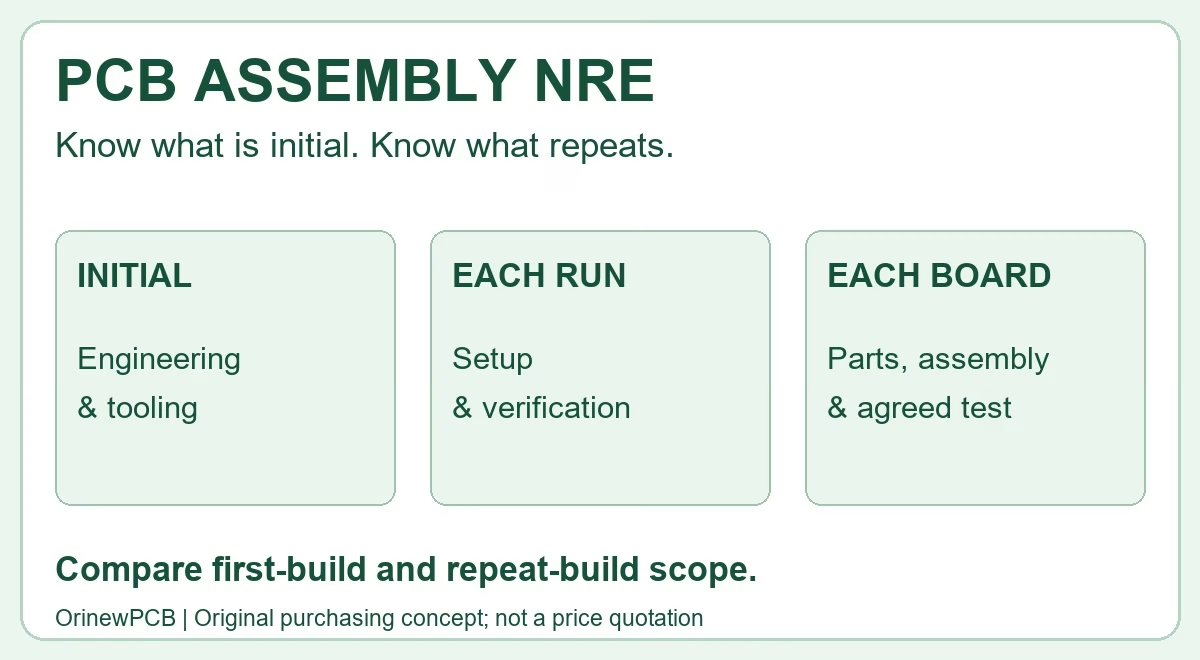
Keep three quantities distinct: quantity per board, planned number of boards, and purchasing quantity. The first two establish the theoretical component requirement. Minimum order quantities, packaging increments, approved spares, or process allowance can change the purchase quantity; agree those separately for the specific build instead of silently changing the BOM’s per-board quantity.
BOM vs. CPL vs. assembly drawing: which file does what?
A procurement BOM and placement data are related, but they answer different questions. A complete handoff uses a consistent reference designator and release across the files.
| File / record | Main question | Typical information |
|---|---|---|
| Procurement BOM | What parts are required for this board and variant? | MPN, manufacturer, reference designators, quantity per board, variant/DNP, approved alternates. |
| Pick-and-place / CPL file | Where and how should machine-placed parts be placed? | Reference designator, X/Y position, rotation, side, units, origin, file format, and placement exclusions as agreed. |
| Assembly drawing / notes | What visual or configuration instructions are needed to assemble and inspect the board? | Polarity, orientation, variant notes, special instructions, and revision identifiers. |
| PCB fabrication package | How should the bare board be fabricated? | Released copper, mask, legend, drill, outline, stack-up and fabrication notes for the specified revision. |
Do not put “pad type” or a solder-paste quantity in the purchasing BOM as a substitute for controlled PCB land-pattern, stencil, or process information. If a project has a special process requirement, document it in the appropriate manufacturing or assembly instruction and confirm it with the assembler.
Illustrative BOM row and DNP example
The row below shows how to separate useful fields. All values and identifiers are placeholders for explaining the format only; they are not a component recommendation, a real design, or authorization to build.
| Refdes | Qty / board | Description | Package | Manufacturer / MPN | Variant / status | Alternate approval |
|---|---|---|---|---|---|---|
| R12 | 1 | 10 kΩ, ±1% (illustrative) | 0603 (confirm design footprint) | Example Mfr. / EXAMPLE-MPN (placeholder) | V1: Populate V2: DNP |
None listed; no substitution implied |
In a live release, replace every placeholder with the approved design data. If multiple variants share one file, state the population status per reference designator and variant. A missing row, blank quantity, or the word “optional” can be interpreted differently by engineering, purchasing, and production.
PCB BOM release checklist before you request a quote
- Identify the build: board name, revision, variant, quantity, and requested delivery schedule.
- Check every orderable line: provide manufacturer and full MPN, not only an internal code or descriptive value.
- Confirm the math: review quantity per board against reference designators; keep build quantity and any purchasing allowance separate.
- Mark population: specify Populate/DNP by variant and resolve no-load or optional components explicitly.
- Control alternates: identify which exact MPNs are approved, which are only candidates, and who can authorize a substitution. See the approved manufacturer list and alternate-part checklist.
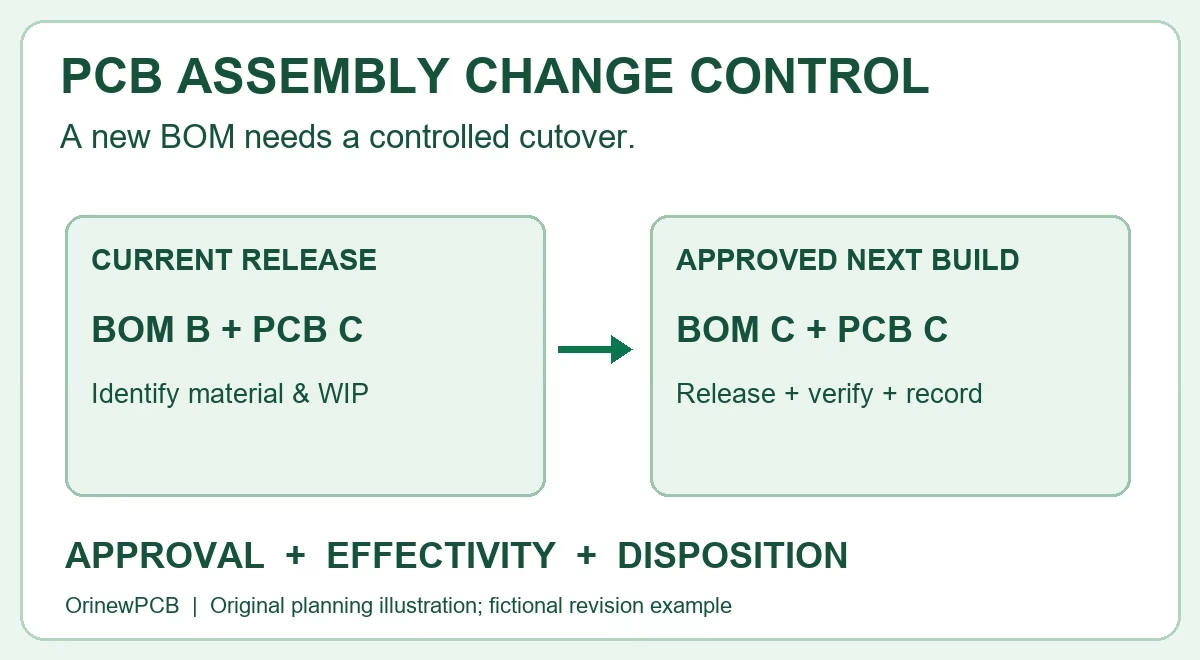
- Match revisions: ensure the BOM, PCB fabrication files, CPL and assembly drawing refer to the same released design. Record changes through your BOM revision and ECO process.
- State sourcing responsibility: mark customer-supplied components, assembler-sourced components, and traceability or handling requirements.
- Agree quotation assumptions: ask the assembler to state the MPN offered, purchase quantity assumptions, open shortages, pending approvals, and any non-cancellable or excess-material terms.
What to send for a turnkey PCB assembly BOM review
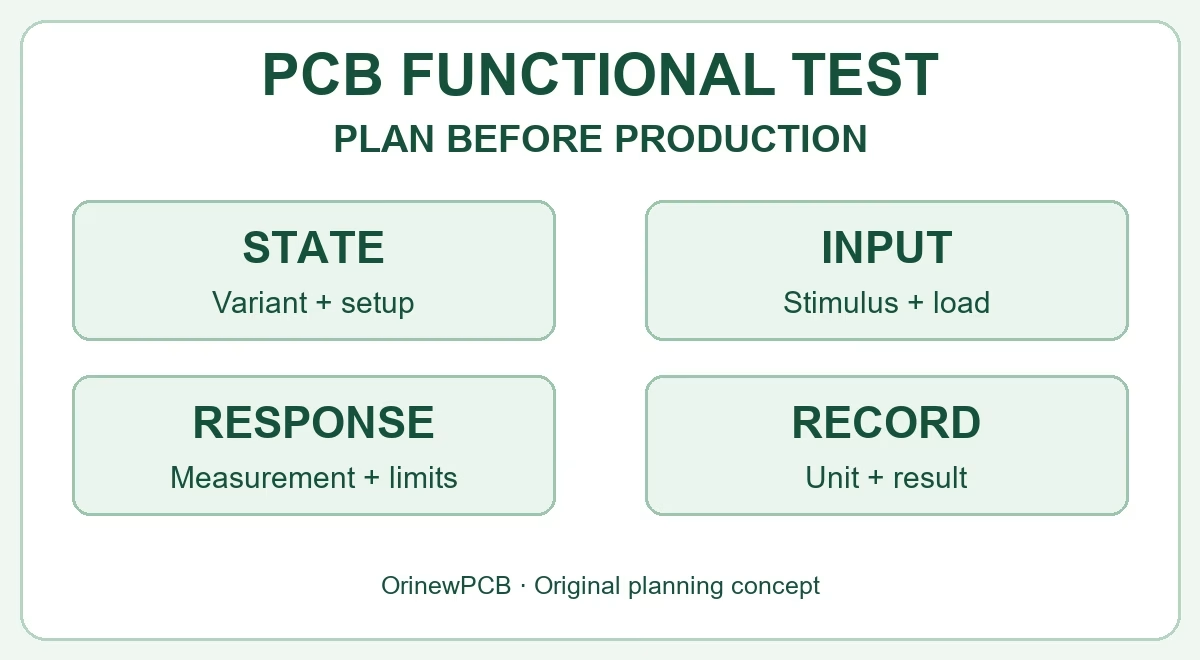
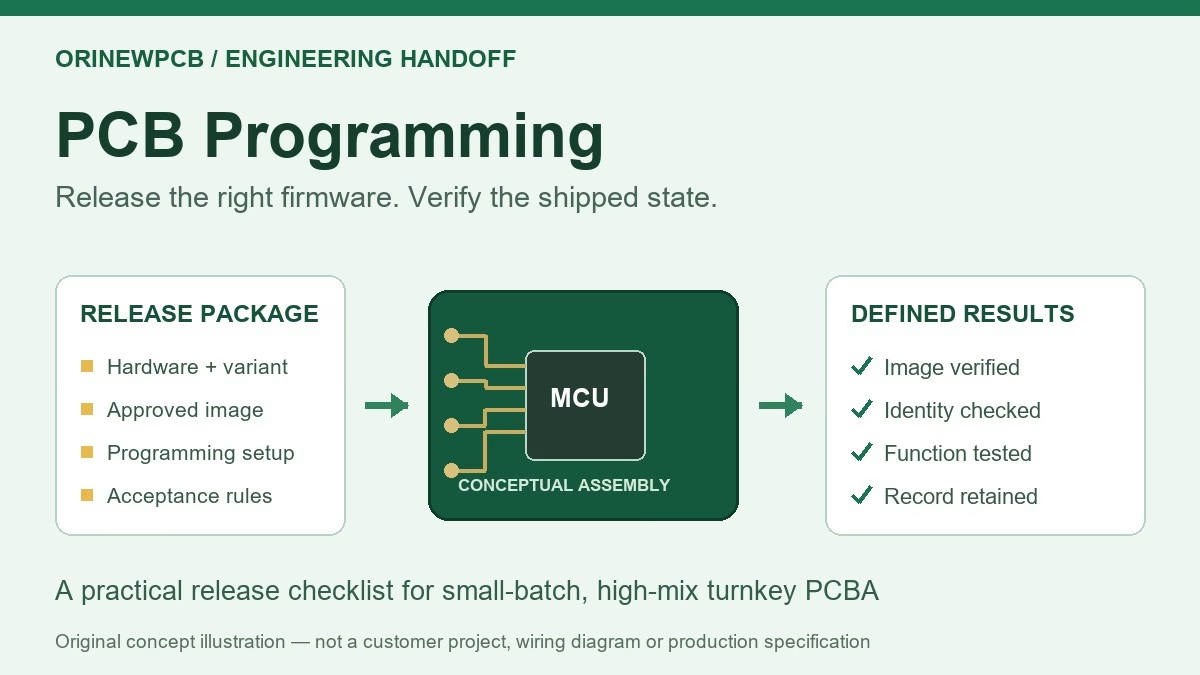
For one-stop assembly, the BOM is one part of a coordinated release package. Send the released BOM and approved alternate list together with the PCB fabrication package, CPL/placement file, assembly drawing, variant and DNP instructions, build quantity, delivery destination, and agreed inspection, programming, or functional-test scope. State which parts you will supply and which the assembler should source. For component packaging and kit planning, see our PCB component kitting and quantity checklist.
OrinewPCB provides PCB fabrication, component sourcing and assembly as a turnkey service, including support for small- and medium-volume, multi-part-number builds. The company’s stated sourcing policy is to use 100% new, original genuine electronic components for supplied materials and assembled boards. Approved MPNs, sourcing options, price and schedule are reviewed for the specific project before purchasing.
Learn about turnkey PCB assembly, or send your released files for a turnkey PCBA and BOM review. If you need components without assembly, browse electronic components.
PCB BOM list FAQ
Is a PCB BOM the same as a pick-and-place file?
No. The BOM identifies what is purchased and populated; placement data identifies where and how each component is placed, including coordinates and orientation data agreed for the machine format. Both should use matching reference designators and the same board revision.
Should the BOM include solder-paste amount or pad type?
Those are not normally purchasing-BOM fields. Land patterns belong to the PCB design data, while stencil and paste-process details are handled in the assembly process definition. Share any special requirements in the correct controlled document and confirm them with the assembler.
How do I show a component that is not fitted?
Use an explicit DNP or do-not-populate status tied to the reference designator and board variant. Do not rely on a blank cell or an omitted row when the position exists in the design.
Can an assembler choose an equivalent component?
Only if your released purchasing or change-control rules authorize that exact alternative. Otherwise, treat it as a candidate and obtain design-owner approval before production substitution.
What if I only have a description, not the exact MPN?
Send the available description and identify the missing MPN as unresolved. The supplier may propose candidates for review, but the engineering owner should confirm suitability and approve the part before the build is released.
Does a quote request commit me to purchasing or production?
No. A request starts a review. Confirm the quoted revision, parts, quantities, sourcing responsibilities, schedule and test scope before authorizing procurement or assembly.
Ready to review your files? Send your BOM, board revision, quantity and sourcing scope through the PCB assembly quote form. You can include unfinished details and identify them as pending so the review can show what remains to be confirmed.
Related Posts
ORINEWPCB · PROJECT SUPPORT
Contact Us
Discuss your PCB assembly project with our team.
FREE QUOTE
Plan your turnkey PCBA build.
Share your quantity and requirements. Add Gerber files and a BOM when ready.
Files are optional for an initial discussion. Include any assembly, sourcing or testing requirements in your message.