PCB Assembly Process: SMT, THT & Build Checklist

Table of Content
- 1. Understand the PCB assembly process and its boundaries
- 2. Prepare the board, components and assembly instructions
- 3. Follow a controlled manual assembly sequence
- 4. Control printing, placement and reflow in the SMT route
- 5. Plan through-hole, mixed assembly and cleaning together
- 6. Separate inspection, electrical testing and functional acceptance
- 7. Example: release a small batch with three variants
- 8. Request a quote for the complete assembly process
- PCB assembly process FAQ
ENGINEERING GUIDE · SMT, THROUGH-HOLE & MIXED ASSEMBLY
Quick answer: The PCB assembly process turns a fabricated bare board and a set of components into an assembled board through material and document checks, component placement, soldering, inspection and agreed electrical or functional testing. An SMT route commonly uses solder-paste printing, placement and reflow; through-hole parts may use selective, wave or controlled hand soldering. The actual sequence depends on the board, components and required shipped state.
A clear process plan helps you decide what can be assembled at a workbench, what needs production equipment, and what to ask a supplier to include in a quote. It also prevents a common handoff problem: a board looks assembled, but the BOM variant, firmware or acceptance test is still undecided.
This guide covers manual, automated and mixed PCB assembly. For a small-to-medium, high-mix project, you can also ask OrinewPCB to review one-stop PCB assembly, including PCB fabrication, genuine component sourcing and the assembly and test scope your product needs.
1. Understand the PCB assembly process and its boundaries
A bare PCB contains the board material, copper interconnections and specified surface finishes. PCBA adds the components and the soldered or otherwise approved connections. PCB fabrication and PCB assembly are related services, but they are different manufacturing stages.
SMT places components on surface pads. Through-hole technology inserts leads or terminals into holes. Many products combine both: compact SMT circuitry with through-hole connectors, power components or mechanical interfaces. A board can also require programming, coating, cable attachment or enclosure assembly after its basic soldering operations.
| Route | Typical sequence | What controls the choice |
|---|---|---|
| Manual assembly | Confirm the kit and orientation, secure accessible components, solder under a controlled work instruction, inspect and test. | Package access, operator skill, repeatability, thermal limits and the ability to inspect the completed joints. |
| SMT production | Print paste, inspect the print as specified, place components, reflow and inspect; repeat for another side if required. | Pad and stencil design, component packaging, board support, placement data and a qualified thermal process. |
| Through-hole production | Insert and secure parts, then use an agreed selective, wave or hand-soldering route and inspect. | Connector and component limits, access, hole design, surrounding SMT parts, fixturing and batch requirements. |
| Mixed assembly | Combine compatible SMT and through-hole operations, cleaning and later processes in a reviewed sequence. | Thermal exposure, wash compatibility, underside clearance and access before coating or enclosure closure. |
Quantity matters, but it is not the only deciding factor. A small batch with fine-pitch or hidden-joint packages may still need automated placement, controlled reflow or specialized inspection. Conversely, an accessible connector or a late-stage item may be suitable for controlled hand soldering within an otherwise automated build.
2. Prepare the board, components and assembly instructions
Start with one released identity for the PCB, BOM and assembly drawing. A correct component installed on the wrong variant is still a build error. Resolve substitutions, do-not-populate positions and polarity before loading a kit or a placement program.
- Board files: supply the fabrication data and requirements, including the PCB revision, stackup or material needs, finish and any controlled requirements.
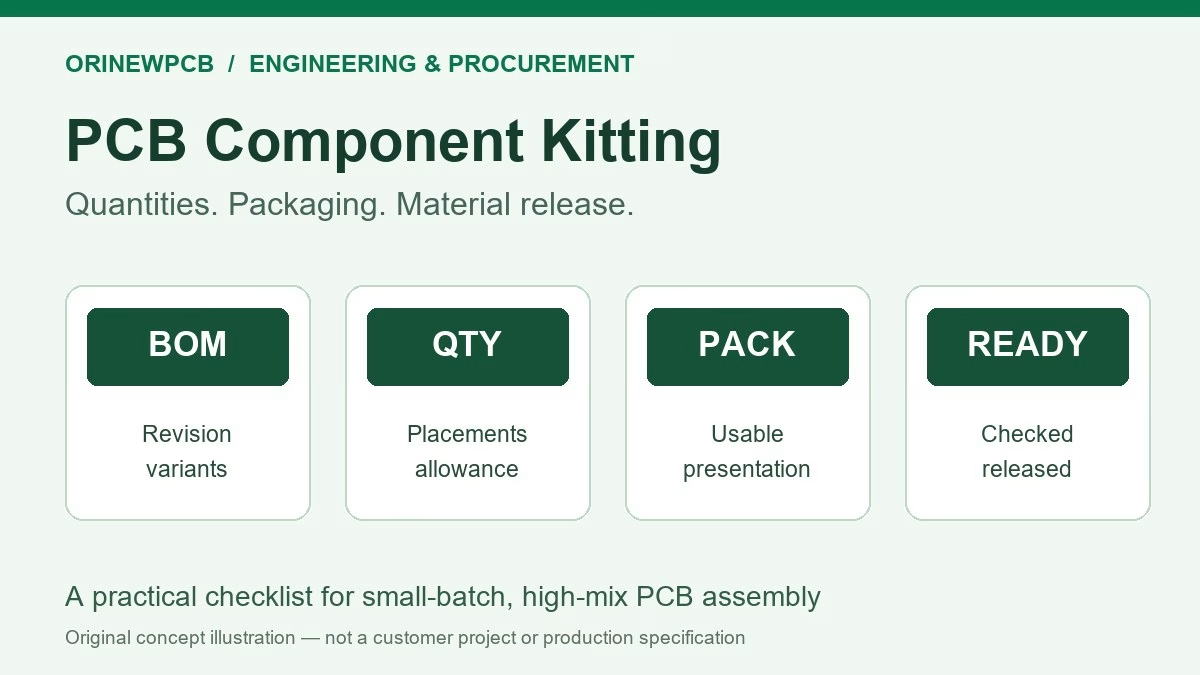
- Assembly data: provide the BOM, component manufacturer part numbers, reference designators, quantity per board, assembly drawings and pick-and-place/CPL data when used.
- Variant control: distinguish fitted, not-fitted and alternate parts. Mark connector direction, pin 1 and other orientation requirements clearly.
- Material responsibilities: identify supplier-sourced and customer-supplied items, packaging, shortages and the approval process for alternatives.
- Handling: follow appropriate ESD controls and each component’s storage, moisture and handling requirements. Keep parts identifiable through setup and changeovers.
- Acceptance: define inspection criteria, electrical and functional checks, firmware where relevant, and the information needed with the shipment.
Inspect incoming boards and components against the released requirements. Damaged pads, oxidized terminations, distorted leads or an incorrect footprint need engineering disposition. Sanding pads, brushing component finishes, enlarging plated holes or adding jumper wires should not be treated as routine preparation: those actions can change the released design or damage finishes and require an approved repair or replacement decision.
For drawing details, use the PCB assembly drawing checklist. Keep the manufacturing files and any supplied material list under the same revision control.
3. Follow a controlled manual assembly sequence
Manual assembly remains useful for suitable prototypes, accessible through-hole parts and selected assembly or rework operations. It is a process choice with its own tooling, training and acceptance needs; it is not automatically a lower-quality route or a substitute for equipment needed by a particular package.
- Set up the work area. Use suitable ESD controls, board support, magnification, soldering equipment and ventilation. Keep the board de-energized while soldering and follow the equipment, material and workplace instructions.
- Verify the kit. Check the exact part, location, polarity and variant before placement. Separate similar-looking parts and preserve the material identifiers.
- Plan access and support. Shorter parts are often convenient to fit first, but access, heat-sensitive items, heavy components and later operations can change the order. Use the approved assembly plan rather than a universal size-only rule.
- Place and secure the component. Align terminals with the intended pads or holes without forcing the part. For suitable leaded SMT packages, an initial tack joint can help hold alignment before completing the remaining joints.
- Solder with a compatible process. Use the specified alloy and electronics-grade flux, a suitable tip and controlled heating. Avoid a generic temperature or dwell-time recipe; component, laminate, finish and tooling requirements all matter.
- Inspect and record exceptions. Check placement, wetting, bridges, damage and the applicable joint criteria. Hold questionable units for a defined review; do not repeatedly heat them until they merely look different.
- Complete cleaning and tests. Apply the validated cleaning decision and the released pre-power and powered test procedures before accepting the unit.
A continuity buzzer only reports the meter’s response for the circuit and range being measured. It does not prove that a solder joint is reliable, that a component has the correct value, or that the product works. Likewise, low resistance between a power rail and ground needs interpretation against the circuit; it is not, on its own, a universal short-circuit verdict.
4. Control printing, placement and reflow in the SMT route
Print and inspect the solder paste
Stencil printing deposits solder paste at the intended locations. Foil thickness, aperture design, support, paste condition and printer setup affect the deposit. A stencil is not simply a one-to-one copy of every copper pad, and one thickness is not automatically suitable for every package mix.
Solder paste inspection addresses the print before placement and reflow. Two-dimensional inspection assesses visible features such as area or position; measurement of paste height and volume requires suitable 3D measurement capability. Define the checks and limits needed for the board rather than assuming every system provides the same coverage.
Place the correct components in the correct orientation
Production setup connects the released BOM and placement data to the actual feeder positions, component orientation and board reference. The first assembly and changeovers deserve explicit checks. Machine coordinates do not resolve a wrong part number, a rotated package model or an ambiguous assembly drawing.
Reflow against an appropriate thermal profile
Reflow heats the assembly so the solder alloy melts and forms the intended joints. A qualified profile considers the solder paste’s ramp, soak where applicable, time above liquidus, peak and cooling requirements, together with component and board limits. Oven settings are not the same as measured temperatures at the assembly.
Use measurements on a representative assembly and review the thermally difficult locations. A change in board mass, component mix, fixture or process loading may require reassessment. There is no single leaded or lead-free temperature range that can replace this work.
For double-sided SMT, review the second-side process, retained components and any additional thermal exposure. Reflow can also be used for suitable pin-in-paste through-hole designs when the component, paste volume, hole design and thermal process support it; conventional through-hole parts must not simply be assumed compatible.
5. Plan through-hole, mixed assembly and cleaning together
After insertion and any required support or retention, through-hole joints may be formed by selective soldering, wave soldering or controlled hand soldering. Selection depends on the component’s permitted process, board layout, underside access, nearby parts, production mix and tooling economics.
For a mixed assembly, review which operations occur before and after the soldering and cleaning steps. Non-washable parts may need protection or later installation. A connector can be physically accessible before enclosure assembly and inaccessible afterward. Coating or potting can also restrict programming and test access.
Cleaning is a compatibility decision. “No-clean” describes a flux/process category; it is not a guarantee that every finished assembly can retain any amount of residue. Assess the application, process, electrical sensitivity and later coating requirements. Where cleaning is needed, validate the chemistry, equipment, access, rinsing and drying against all affected materials. A quick IPA wipe, ultrasonic bath or UV inspection is not a universal qualification method.
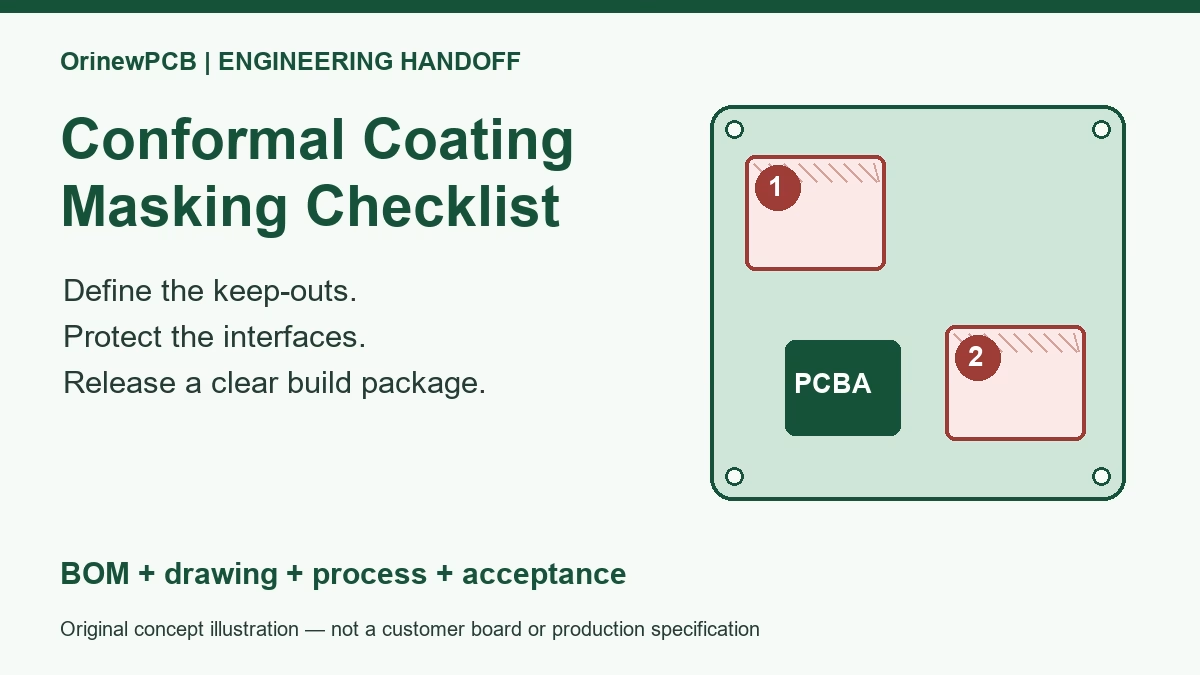
Keep the process drawing explicit about masking, keep-outs and any later coating requirements. Resolve the cleaning and assembly order during review rather than discovering that an installed part cannot tolerate the planned wash.
6. Separate inspection, electrical testing and functional acceptance
Each check answers a different question. Use a coverage plan that identifies what is checked, on which units, with what limits, and what happens to a failure. More named inspection methods do not automatically mean complete product coverage.
| Check | Useful evidence | Important boundary |
|---|---|---|
| Visual inspection / AOI | Visible placement, orientation and accessible joint features within the configured inspection coverage. | Does not establish every hidden connection, component electrical characteristic or operating function. |
| X-ray inspection | Information about hidden solder structures, geometry and selected internal conditions. | Interpretation depends on the method and criteria. An image alone does not prove an electrically sound or reliable joint. |
| Flying probe / ICT | Selected accessible nets, connections or components under the released test program. | Coverage depends on access, isolation, fixture or probe capabilities and the test design. It does not automatically exercise the full product. |
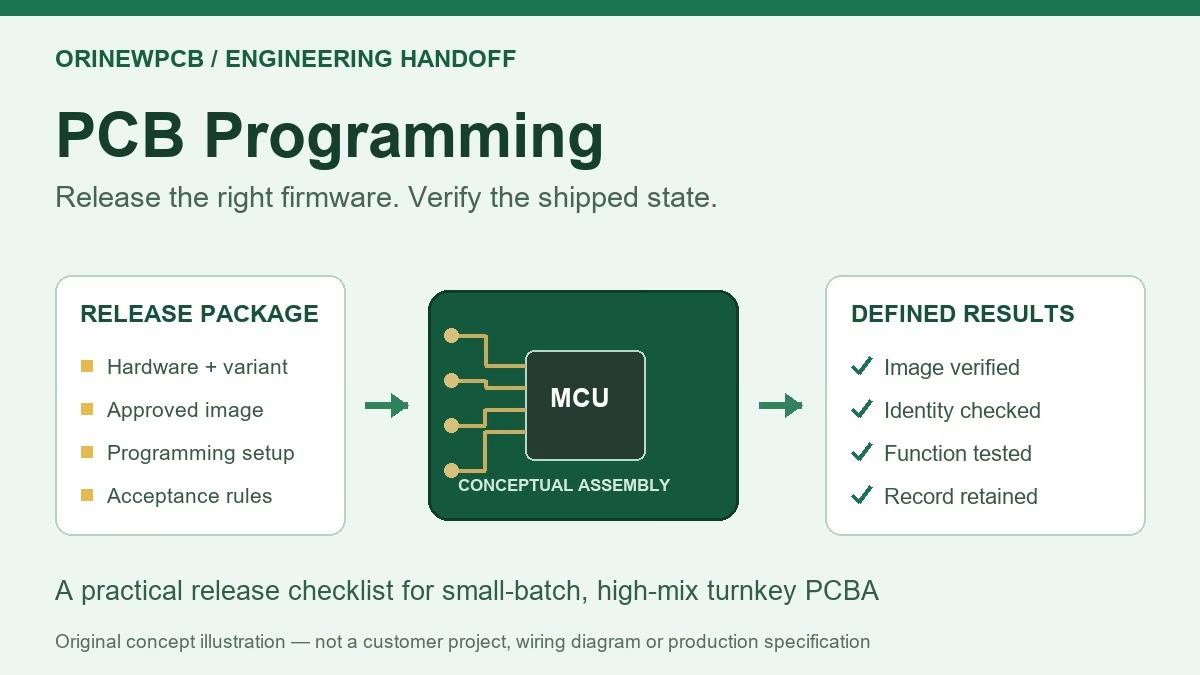
| Programming / identity checks | Agreed firmware operation, verification and version or unit identity. | Successful programming is distinct from functional acceptance. |
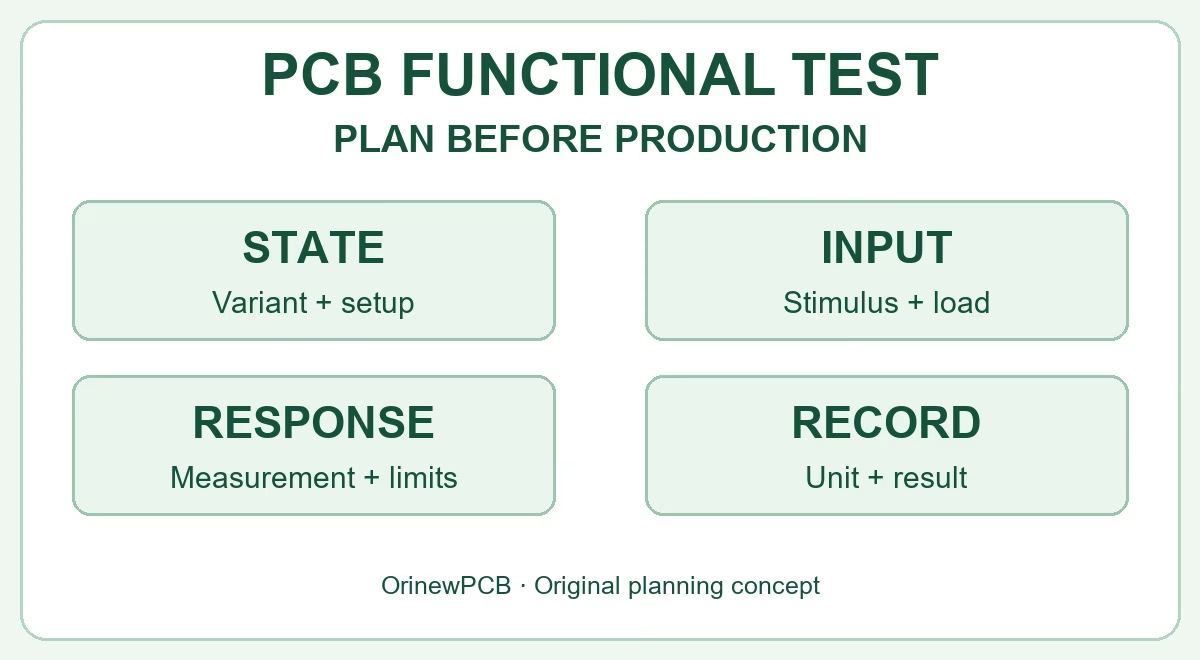
| Functional test | Defined power-up, inputs, outputs, communications and other agreed operating checks. | Only the specified conditions and limits are covered; environmental or compliance tests require a separate agreed scope. |
Perform pre-power checks before applying the specified supply conditions. Start-up current, supply limits, fixtures, connections, firmware and expected responses belong in the test instruction. Measuring resistance or capacitance indiscriminately on a powered board is not a functional test procedure.
If inspection or test fails, identify and hold the unit, retain the failure information, and follow an approved rework or repair disposition. A dull-looking joint does not justify automatic reheating: alloy appearance, wetting, damage and the applicable acceptance criteria must be evaluated together. Reinspect and repeat the affected tests after approved work, and control any changed configuration.
OrinewPCB’s quality approach includes a nine-step PCBA quality workflow, and its component policy is to use 100% new, original and genuine electronic components. Ask the team to map the required inspection and test coverage to your particular build. Bare-board electrical testing and assembled-board functional testing remain separate scopes.
7. Example: release a small batch with three variants
Illustrative planning example—not a customer case: a team wants 30 assemblies using one PCB revision, divided into three variants of 10. The variants differ in fitted connectors, resistor options and firmware. A single PCB file does not make them one interchangeable assembly.
| Release item | What the team defines | Why it matters |
|---|---|---|
| Variant identity | Three assembly identifiers, quantities and an unambiguous fitted/not-fitted BOM for each. | Prevents the correct component kit from being used for the wrong option. |
| Work instructions | Connector orientation, any manual operations, process sequence and exception approval. | Maintains access and keeps changeovers controlled. |
| Firmware and tests | The correct released image, verification and functional acceptance for each variant. | Prevents a visually similar board being shipped with the wrong operating behavior. |
| Shipment identity | Agreed labeling, quantity, accepted-unit records and packaging for each group. | Allows receiving and later repeat orders to distinguish the three builds. |
Approve the initial setup and any required first-article review before releasing the remaining units. Keep a replacement or shortage decision tied to the affected variant. These are planning recommendations; quantities, records and inspection frequency must be agreed for the actual order.
8. Request a quote for the complete assembly process
A useful quote identifies the build scope rather than quoting placement alone. Material availability, setup and tooling, manual operations, inspection coverage, programming and functional testing can all affect cost and schedule. A completed quotation should state assumptions, exclusions, one-time preparation work and the recurring build scope.
- PCB, BOM and assembly drawing revisions; CPL/placement data if available.
- Prototype quantity, each variant quantity and expected repeat batches.
- Full turnkey, partial turnkey or assembly-only material responsibilities.
- Approved manufacturers, exact MPNs, alternatives policy and any supplied parts.
- Inspection criteria, firmware/programming needs and functional test procedure or its current status.
- Cleaning, coating, labeling, packaging and any later assembly requirements.
- Required delivery date and destination, with open technical questions identified.
OrinewPCB focuses on one-stop PCB assembly, particularly small-to-medium batches and high-mix builds. Its cooperation with component manufacturers and distributors supports BOM sourcing and review of price and availability. Actual component offers and delivery plans need confirmation against the released MPNs, quantity and project scope. Learn more about the brand at OrinewPCB.
Prepare the next build with one coordinated review
Send your board files, BOM, quantities and test requirements. If the documents are incomplete, identify what is available and what still needs engineering approval. Request PCB fabrication, component procurement and assembly as one reviewed project.
Request a Turnkey PCBA & BOM Review
Include your required date and delivery destination. The team can clarify the information needed for a complete quotation.
PCB assembly process FAQ
What are the main steps in PCB assembly?
They are release and material review, component placement and soldering, inspection, and the agreed electrical or functional checks. SMT, through-hole, cleaning, programming and later assembly operations are sequenced for the particular product.
Can I assemble a PCB manually?
Suitable boards and accessible packages can be assembled manually with appropriate skills, equipment and work instructions. Package geometry, thermal requirements and inspection access may make a production process more suitable even for a small batch.
Is SMT assembly only for high-volume production?
No. Small batches may also use stencil printing, automated placement and controlled reflow. The board, package mix, setup needs and repeatability requirements matter as well as quantity.
What reflow temperature should I use?
Use a qualified thermal profile consistent with the specific solder paste, components and PCB limits, measured on a representative assembly. A generic lead-free temperature or an oven setpoint alone is not a complete process specification.
Does AOI or flying probe replace functional testing?
No. Optical inspection, selected electrical checks and functional tests have different coverage. Define the operating checks the finished product needs and agree how failures and records are handled.
Does a no-clean flux mean cleaning is never required?
No. The cleaning decision depends on the flux process, residues, application and later operations. Where cleaning is required, validate compatibility, cleaning effectiveness, rinsing and drying rather than assuming one solvent or wash is suitable for every board.
What files does OrinewPCB need for turnkey PCB assembly?
Start with board fabrication files, BOM, assembly drawing, placement data where available, quantities and delivery needs. Add variant, firmware, inspection, testing and packaging requirements. If some inputs are pending, identify them in the inquiry.
Related Posts
ORINEWPCB · PROJECT SUPPORT
Contact Us
Discuss your PCB assembly project with our team.
FREE QUOTE
Plan your turnkey PCBA build.
Share your quantity and requirements. Add Gerber files and a BOM when ready.
Files are optional for an initial discussion. Include any assembly, sourcing or testing requirements in your message.