PCB Solder Mask Color Selection Complete Guide

In printed circuit board (PCB) design, after engineers complete the complex routing work, the last visual decision before production is often the choice of solder mask color. This thin layer of ink covering the copper foil is not just the PCB’s “outer garment,” but also carries multiple functions from manufacturability and optical inspection to later maintenance.
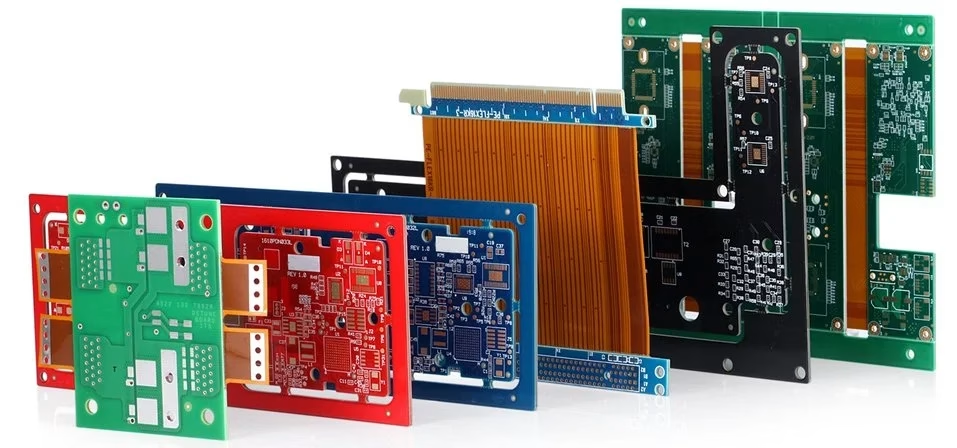
Although green dominates the market with an absolute advantage, with the consumer electronics industry’s pursuit of personalization and brand recognition, colors like black, white, blue, and even pink PCBs are now appearing in high-end graphics cards, smart hardware, and customized products. This article will deeply explore the characteristics, engineering pros and cons, and application scenarios of different colored PCBs (solder mask colors), providing a professional reference for your design selection.
1. What is PCB Color?
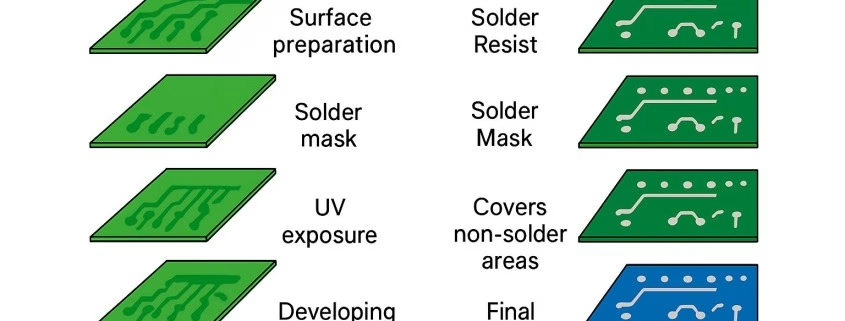
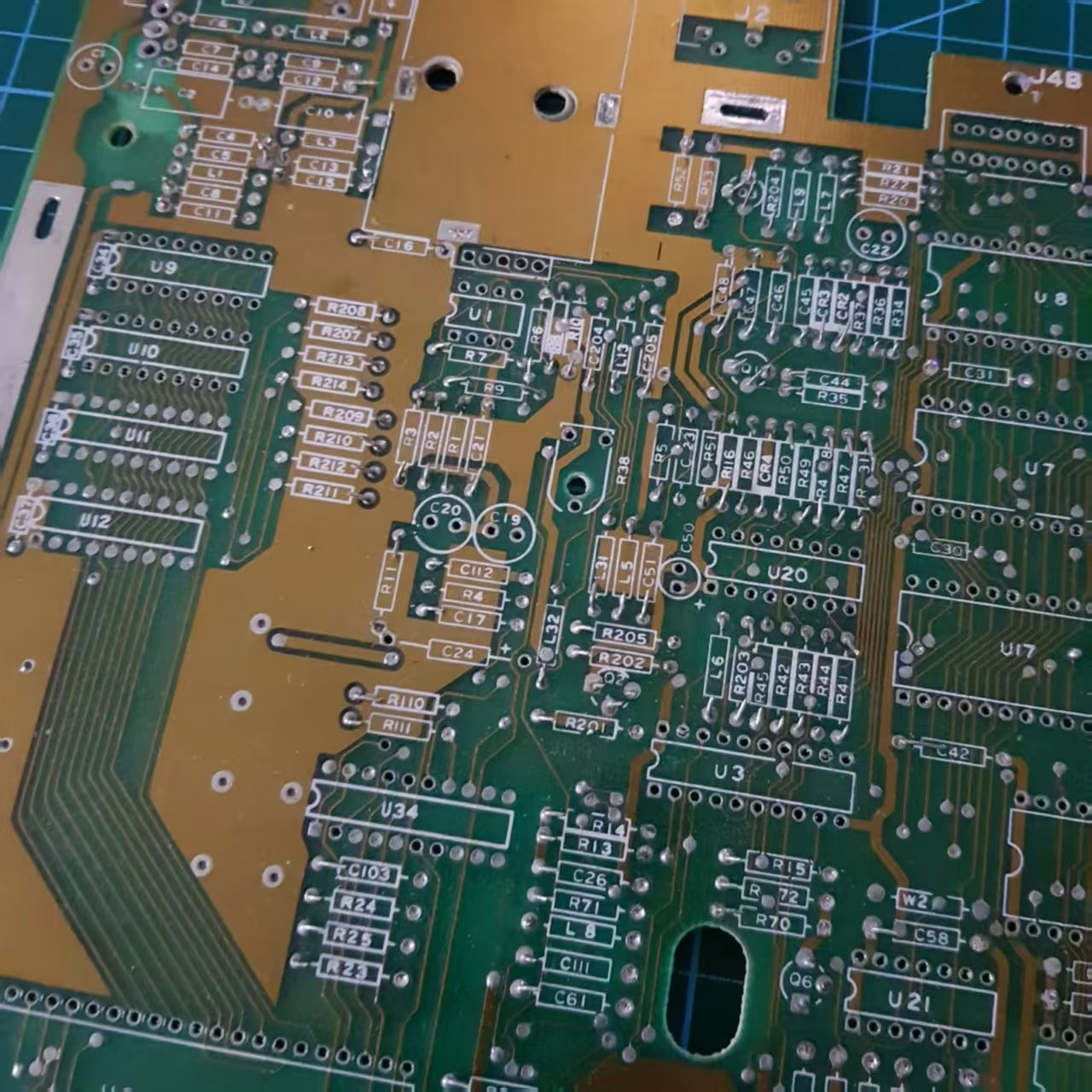
PCB color, strictly speaking, refers to the color of the solder mask covering the PCB surface. The solder mask is a permanent protective layer that covers most of the copper traces, leaving only the pads exposed for component soldering. Its main functions are to prevent bridging during soldering, protect the circuits from oxidation and moisture damage, and provide electrical insulation.
The base resin of this ink is usually transparent or translucent, and color changes are achieved by adding different pigments. Common colors include: green, red, blue, black, white, yellow, purple, etc. The choice of color is essentially a comprehensive trade-off between visual contrast, production process, cost, and brand identity, without changing the electrical performance of the circuit.
2. Detailed Analysis of Classic Colors: Engineering Characteristics and Application Scenarios
2.1 Green PCB: The Eternal Industrial Standard
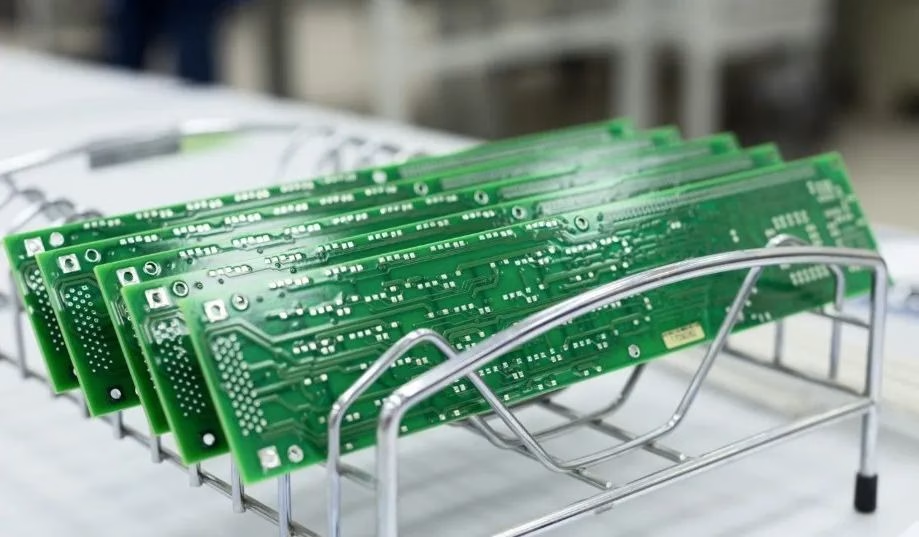
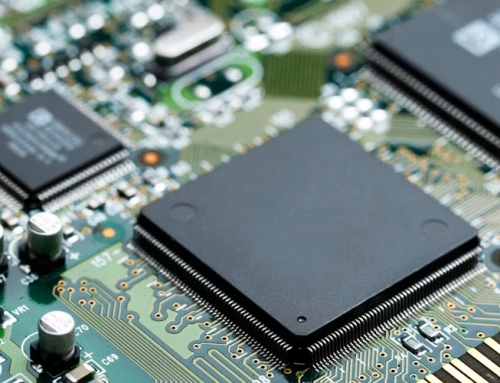
Green is the undisputed dominant color in the PCB field, accounting for over 90% of global production.
- Advantages:
High Contrast: The green solder mask forms a sharp contrast with white silkscreen characters, making traces, pads, and text clearly visible, greatly facilitating manual visual inspection and Automated Optical Inspection (AOI) equipment recognition.
Mature Process: The formulation and curing process for green solder mask ink are the most mature and stable, with wide exposure and development windows, leading to high production yields.
Optimal Cost: Due to massive usage, the procurement cost of green ink is the lowest. Production line cleaning frequency is low, giving it a significant advantage in overall manufacturing cost.
Visual Comfort: Staring at PCBs under strong light for long periods is less tiring for the human eye with green, offering better comfort.
- Disadvantages:
Lack of Individuality: Too common, unable to meet the demand for internal circuit board aesthetics and brand recognition in high-end consumer electronics.
Application Range: General consumer electronics, industrial control, computer motherboards, communication equipment, instruments. For any application requiring high reliability, ease of production, and maintenance, green is the safest choice.
2.2 Black PCB: Symbol of High-End and Mystery
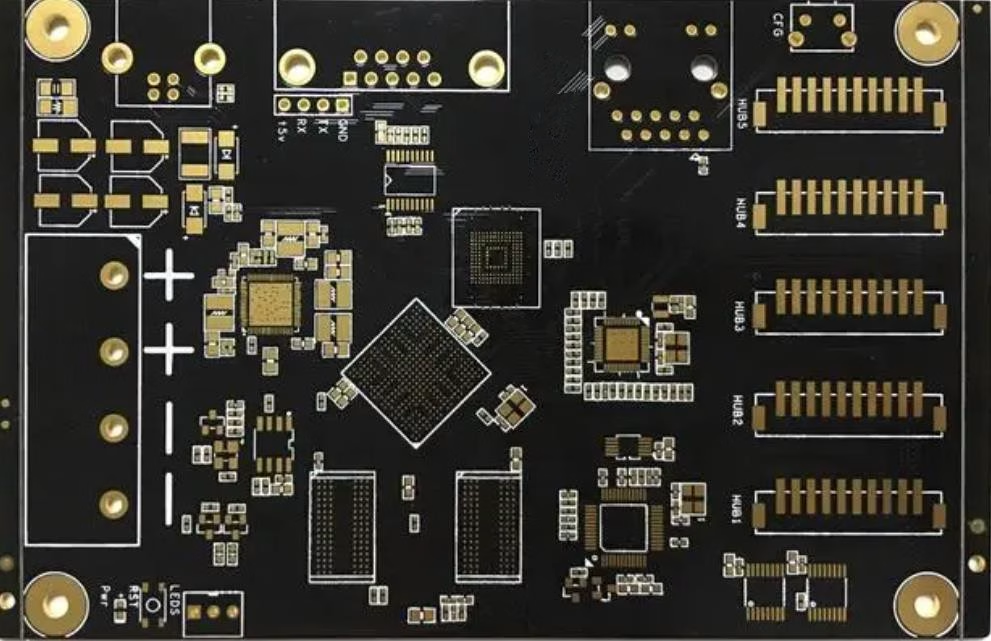
Black PCBs have gained popularity in recent years in high-end graphics cards, flagship phone motherboards, and DIY hardware.
- Advantages:
Visual Impact: The black base combined with silver or white silkscreen creates a professional, sleek, high-end texture that fits the positioning of top-tier products.
Conceals Imperfections: Effectively hides dust, fingerprints, and minor scratches that may occur during production.
Heat Dissipation (Theoretical): Theoretically, black objects have higher thermal radiation efficiency, but this effect is minimal in practical PCB heat dissipation, which mainly relies on copper foil and thermal structures.
- Disadvantages:
Inspection Difficulty: Traces are hard to distinguish against the dark background. Both manual inspection and AOI equipment face increased difficulty and false positive rates when detecting defects (like shorts or opens).
High Process Requirements: Pigments in black ink (often containing cobalt and carbon) may affect the ink’s insulation properties and require strict exposure energy control, making it prone to development issues or adhesion problems, leading to lower yields and higher costs.
Maintenance Difficulty: During later rework, tracing circuits and identifying components is very difficult, posing significant challenges for repair personnel.
Application Range: High-end gaming graphics cards, flagship phone motherboards, high-performance computing equipment, some military/aerospace products. Choosing black means investing more resources in the production inspection phase to compensate for its poor visibility.
2.3 White PCB: Ideal Carrier for LED Lighting
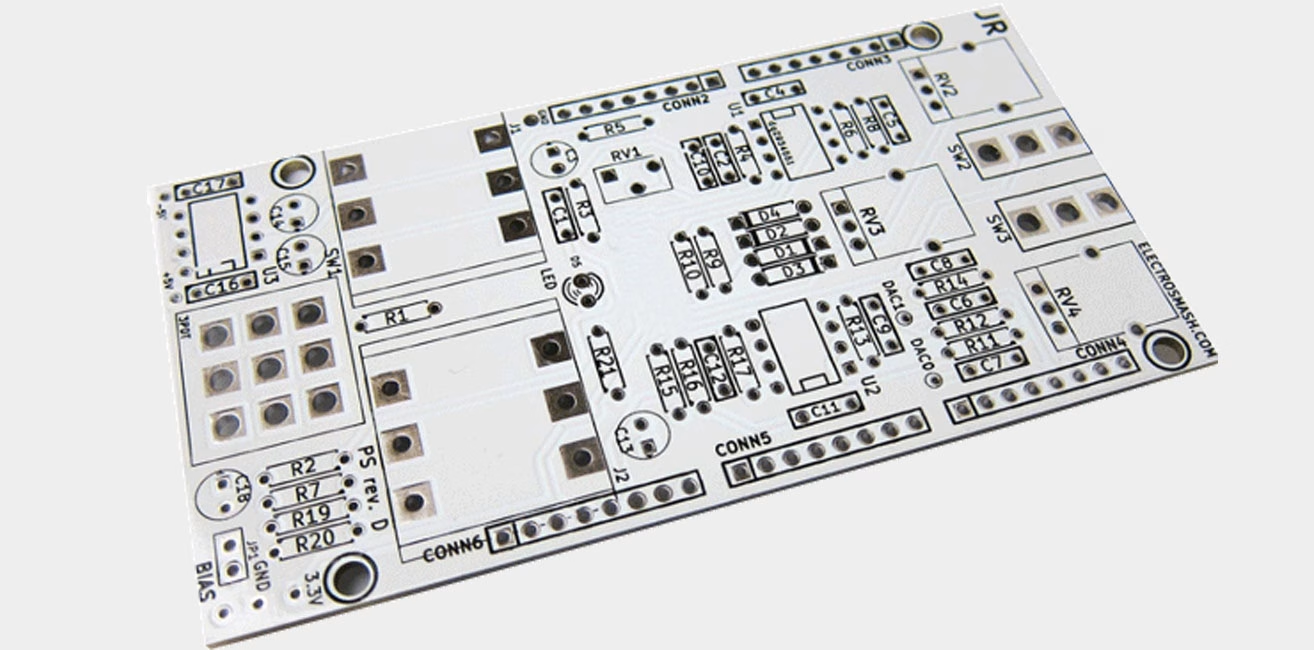
White PCBs hold an irreplaceable position in the LED lighting field.
- Advantages:
High Reflectivity: The white surface has excellent light reflection efficiency, maximizing the reflection of light emitted from LED chips from the bottom, thus enhancing the overall luminous efficacy of the lamp. This is the biggest functional advantage of white PCBs.
Clean Appearance: In modern minimalist designs or white goods, white PCBs coordinate better with the overall design style.
- Disadvantages:
Easily Shows Dirt: White is very sensitive to dust, fingerprints, and flux residue, requiring frequent cleaning. It is also prone to yellowing and discoloration, especially in high-temperature environments.
Poor Contrast: Low contrast with copper traces and pads makes inspecting circuits and solder joints more difficult.
Heat Resistance: Some white inks have relatively weaker high-temperature resistance and require careful selection for lead-free soldering processes.
Application Range: LED light boards, LED strips, control boards for some white goods, and electronic products with transparent enclosures (e.g., some Bluetooth speakers).
2.4 Blue PCB: Early Imprint of Geek Culture
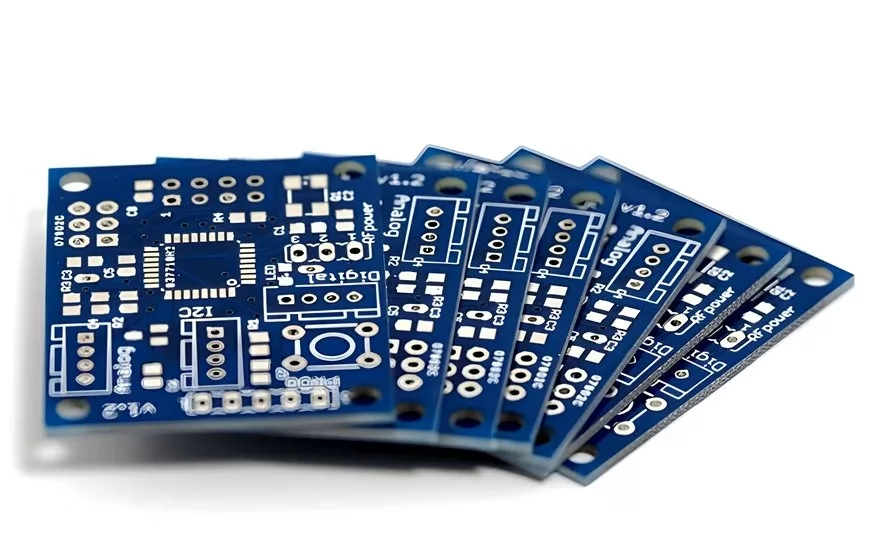
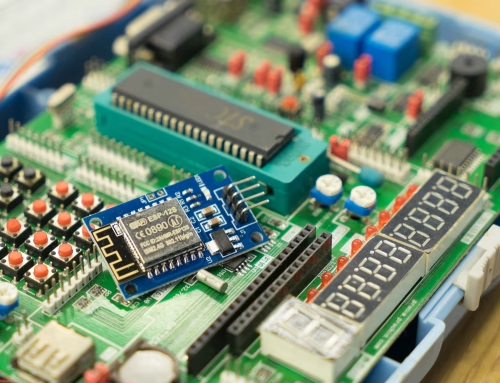
Blue holds a special place in the hearts of makers and developers due to its widespread adoption by early open-source hardware platforms like Arduino.
- Advantages:
Good Visual Contrast: The blue base provides relatively high contrast with white silkscreen, making lines and text clear and visually appealing.
Aesthetic Preference: In development boards, robot controllers, and certain industrial equipment, blue is seen as a symbol of “technical sophistication.”
- Disadvantages:
Hardness and Process: Some sources suggest certain blue inks might have slightly lower hardness, making them prone to scratches. Also, some blue inks have high fluidity, requiring flat placement during curing, which occupies space.
Inspection Limitations: Under certain lighting, blue might be confused with solder joint reflections, affecting the accurate judgment of solder joint quality.
Application Range: Open-source hardware (e.g., Arduino), educational development boards, robot controllers, some computer peripherals.
2.5 Red PCB: Signal of Professionalism and Passion
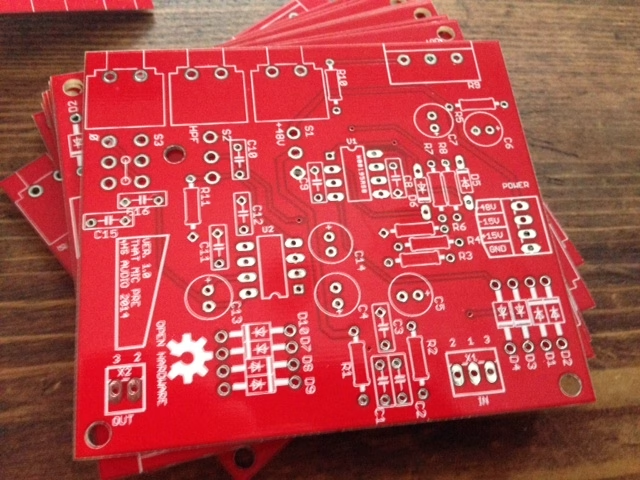
Red PCBs are often used on boards where quick identification or emphasis of specific functional modules is needed.
- Advantages:
High Visibility: Red is one of the most eye-catching colors, clearly outlining traces and plane areas, greatly facilitating manual visual inspection and fault localization.
Unique Visuals: In some server motherboards, audio equipment, or special customized products, red represents a high-performance and professional image.
Relatively Simple Process: Some manufacturer experience indicates that thickness control for red solder mask is easier during production, with fewer bubble issues.
- Disadvantages:
AOI Contrast: For certain light source wavelengths, the contrast between the red base and copper or solder color might be slightly lower than green, requiring slightly higher demands on AOI equipment algorithms and parameter settings.
Application Range: Server motherboards, high-end audio equipment, military/aerospace electronics, prototype verification boards, specific brand customized products.
2.6 Purple PCB: Niche Visual Label
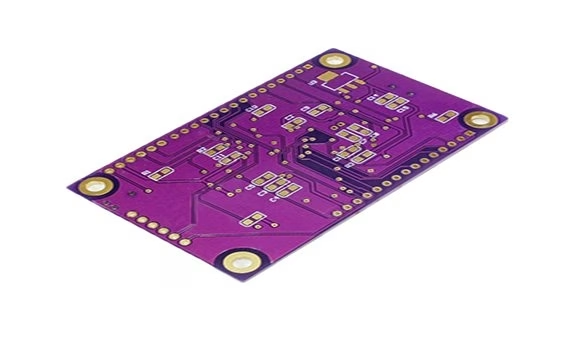
Purple PCBs are typically used in situations requiring quick version differentiation or pursuit of a unique brand impression.
- Advantages:
High Recognition: Purple is very striking and uncommon, easily distinguishing the product from competitors.
Good Contrast: Component labels and circuits are clearly readable when combined with white silkscreen.
- Disadvantages:
High Material Cost: Being a non-standard color, the ink needs special procurement or mixing, affecting both material cost and production lead time.
Limited Application: Suppliers may lack production experience, posing risks to quality consistency.
Application Range: Specific brand prototyping, customized projects, DIY electronic kits, daughter cards needing strong visual distinction.
2.7 Other Colors: Pink, Dual-Color, and Transparent
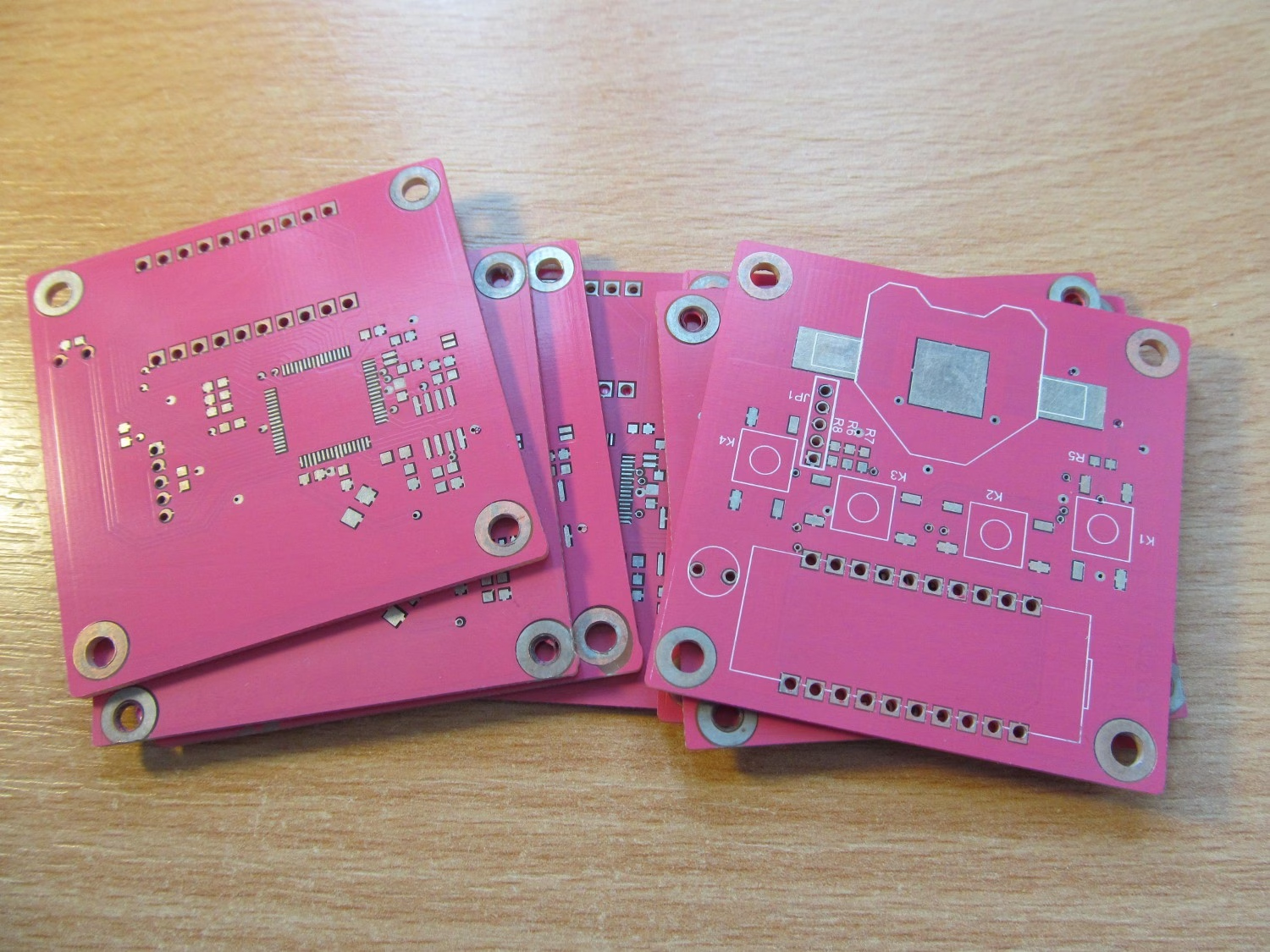
- Pink PCB: This color exists almost purely for marketing and aesthetics. It’s commonly seen in tech products targeting female consumers, charity projects, or limited edition hardware. Its pros and cons are similar to purple: visually unique, but high cost, long production lead time, belonging to true “niche customization.”
- Dual-Color/Multi-Color PCB: Using two or more solder mask colors on one PCB is typically for extremely complex brand showcasingor functional partitioning. This requires very complex production processes and multiple exposure/development steps, with extremely high costs, seen only occasionally in top-tier servers or special military products.
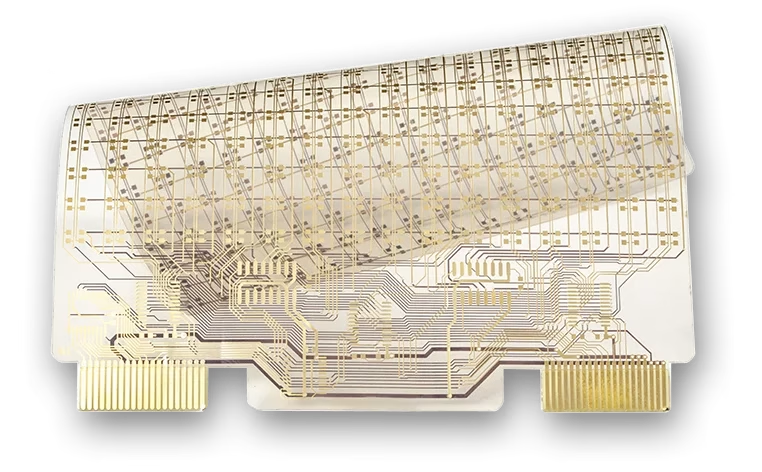
- Transparent PCB: Usually, no colored solder mask is used, or a very thin transparent solder mask is applied, directly exposing the base material (like FR-4’s pale yellow or polyimide’s amber color) and copper traces. It’s often seen in LED decorative stripsor art-grade electronic products wanting to showcase the beauty of internal routing.
3. Why Are Most PCBs Still Green?
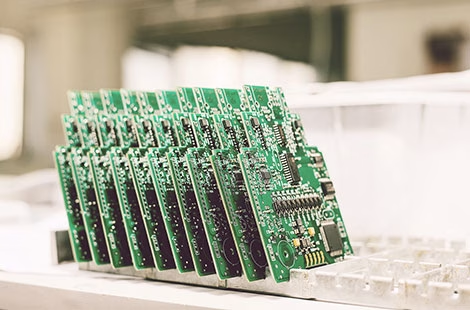
Overall, green’s dominant position is no accident but the result of long-term optimization of engineering efficiency, production cost, and maintainability. The core considerations are:
- Manufacturing Efficiency and Yield
Green has the widest process window and high exposure latitude, less prone to over-exposure or under-exposure issues, ensuring high first-pass yield in mass production.
- Optical Recognition Friendly
In the vision systems of AOI and pick-and-place machines, the contrast between green (or light sources complementary to green) and pad/copper colors has been optimized over time, providing the most stable recognition and lowest false call rate.
- Repair and Rework Convenience
For steps requiring manual debugging and repair, the green background is less stressful on the eyes, and traces are clear, significantly improving work efficiency.
- Supply Chain Cost
From ink procurement to production line maintenance, the overall cost of green is much lower than other colors.
- Tradition and Standard Inertia
Decades of industry practice have deeply adapted the entire upstream and downstream industrial chain (from default design software display to engineers’ visual experience) to green.
4. How to Choose the Right PCB Color: A Concise Decision Guide
After understanding the characteristics of various colors, how do you make a quick, rational choice for a specific project? This section provides a streamlined decision framework to help you find the balance between function, cost, and aesthetics.
4.1 Three-Step Quick Screening Method
Step 1: Functional Mandatory Requirements
First, check if the project has non-negotiable functional needs:
| Mandatory Requirement | Recommended Color | Colors not recommended |
| LED product needs high reflectivity | White | All dark colors |
| High reliability (Military/Medical) | Green | Black, Dark Blue (hard to inspect) |
| Long-term high-temperature use | Green, Red | Poor quality white (prone to yellowing) |
Step 2: Production and Maintenance Scenarios
Assess the degree of human involvement throughout the product’s lifecycle:
- High volume of hand soldering/rework→ Green, Red (clearest traces)
- Frequent field maintenance/troubleshooting→ Green (most familiar to technicians)
- Non-sealed enclosure, prone to dust→ Black (hides dirt), Avoid White (shows dirt easily)
Step 3: Business Positioning Trade-off
After meeting engineering conditions, decide based on product positioning:
- Cost-Sensitive(Mass-market consumer electronics) → Green (lowest cost)
- Function-First(Industrial control) → Green, Red (reliable, easy to repair)
- Brand Identity(High-end hardware) → Black, Red, Blue (build brand memory)
- Design-Driven(Products with transparent enclosures) → Black, White, Custom (unify internal/external look)
- Marketing-Driven(Limited editions, collaborations) → Pink, Purple (eye-catching, but high cost, long lead time)
4.2 Four Key Trade-off Dimensions
After screening, fine-tune your choice based on these four dimensions:
- Inspectability
Green/Red: Most stable for AOI, clearest for manual inspection.
Black/White: Traces hard to distinguish, high risk of inspection escape.
- Process Yield
Green: Most mature process, highest yield.
Red/Blue: Next best, require experienced factory cooperation.
Purple/Pink: Need “trial and error,” highest yield risk.
- Total Cost
Green: Cheap ink + less line changeover time + high yield = lowest total cost.
Special Colors: Must consider hidden costs (changeover time + yield loss).
- Supply Chain Stability
Green: Global supply chain, never out of stock.
Red/Blue/Black/White: Available from major ink suppliers, stable supply.
Purple/Pink: Highly dependent on specific suppliers, risk of shortage.
4.3 Quick Reference Table for Common Project Types
| Project Type | Recommended Color | Core Reason |
| Prototype/Sample | Green | Fast turnaround, low cost, easy to check |
| Student Project/Maker | Blue/Red | Affordable, makes your project stand out |
| Mass Production (Internal) | Green | Cost priority, reliability first |
| Mass Production (Visible) | Choose by ID design | Match external appearance (Black/White/Brand color) |
| Industrial/Automotive/Medical | Green | Mature process, easy maintenance |
| High-End DIY Hardware | Black/Red | Brand recognition, creates high-end feel |
4.4 Three Practical Suggestions
- Communicate Early: Before design finalization, confirm with your PCB manufacturer their color process capabilities, pricing, and delivery times.
- Request Color Charts: Different manufacturers have different interpretations of “red.” Always check physical samples or color cards.
- Consider Surface Finish: HASLcan slightly darken the color, while ENIG preserves the ink’s vibrancy best.
Final Note: The core function of a PCB is to reliably connect components. When you decide to deviate from the norm, ensure you have evaluated the factors above and are prepared for production challenges. For the vast majority of projects, green remains the rational, reliable, and economical best choice.
5. FAQs
(1) Does PCB color affect the board’s electrical performance?
Under normal working conditions, no. Color comes only from the solder mask ink pigments and does not affect the circuit’s conductivity or insulation performance. However, note that inferior or poorly formulated dark inks (like some blacks) might affect insulation resistance in high-humidity environments due to additives. Therefore, choosing a quality supplier is crucial.
(2) Does a black PCB really dissipate heat better?
Negligibly. The primary heat dissipation path for PCBs is through copper foil conduction to heat sinks or the air. The effect of color on thermal radiation (a secondary mode of heat transfer) is practically insignificant at typical power densities. Black should not be chosen for “better heat dissipation.”
(3) Why do white PCBs turn yellow easily?
Fillers like titanium dioxide in white ink can undergo chemical reactions under long-term high temperature (e.g., from LED operation) or UV exposure, causing yellowing. High-quality white ink with lead-free HASL or OSP finishes can slow this process.
(4) Why do some high-end products prefer black PCBs?
The main driver is marketing and brand positioning. Black psychologically suggests “high-end,” “mysterious,” and “professional,” enhancing the product’s perceived value, even at the (5) Can I choose any color for my prototype board?
A: Yes, but consider cost and time. Most PCB prototyping services offer green as the default free option, while colors like blue, red, black, and white usually incur extra charges and may extend delivery times. Special colors like purple and pink often require special inquiry.
(6) Which color is best for hand soldering and rework?
A: Green and red are best. They offer the strongest contrast with copper foil and solder joints, allowing clear visibility of trace routing and solder joint形态. Black and dark blue are the least friendly and can easily cause eye strain.
6. Conclusion
Choosing a PCB color ultimately comes down to finding the balance between function, cost, and aesthetics. For the vast majority of projects pursuing stable performance, cost control, and ease of production, green remains the undisputed optimal solution.
When a product has clear brand visual requirements or special application scenarios (like LEDs needing high reflectivity), colors like white, black, or blue can be considered carefully. However, be sure to allocate extra budget and time for production and inspection, and communicate thoroughly with your PCB manufacturer about their process capabilities. For more niche colors like pink or purple, they should be used as “visual weapons” to achieve specific market goals.
In short, let the color serve the product’s overall objectives, not let the color define the product — this is the unchanging principle of PCB selection.
OrinewPCB has focused as a one-stop PCB assembly manufacturer from PCB Manufacturing to Electronic Components Sourcing to PCB Assembly to Test to Program IC for more than 14 Years with reliable quality and fastest delivery for global clients.